How to Choose a Text-to-Image Model
Pick the right AI image model quickly across four dimensions: use case, speed, cost and quality.
By the UnitPic editorial team · Published August 14, 2026 · Updated August 27, 2026
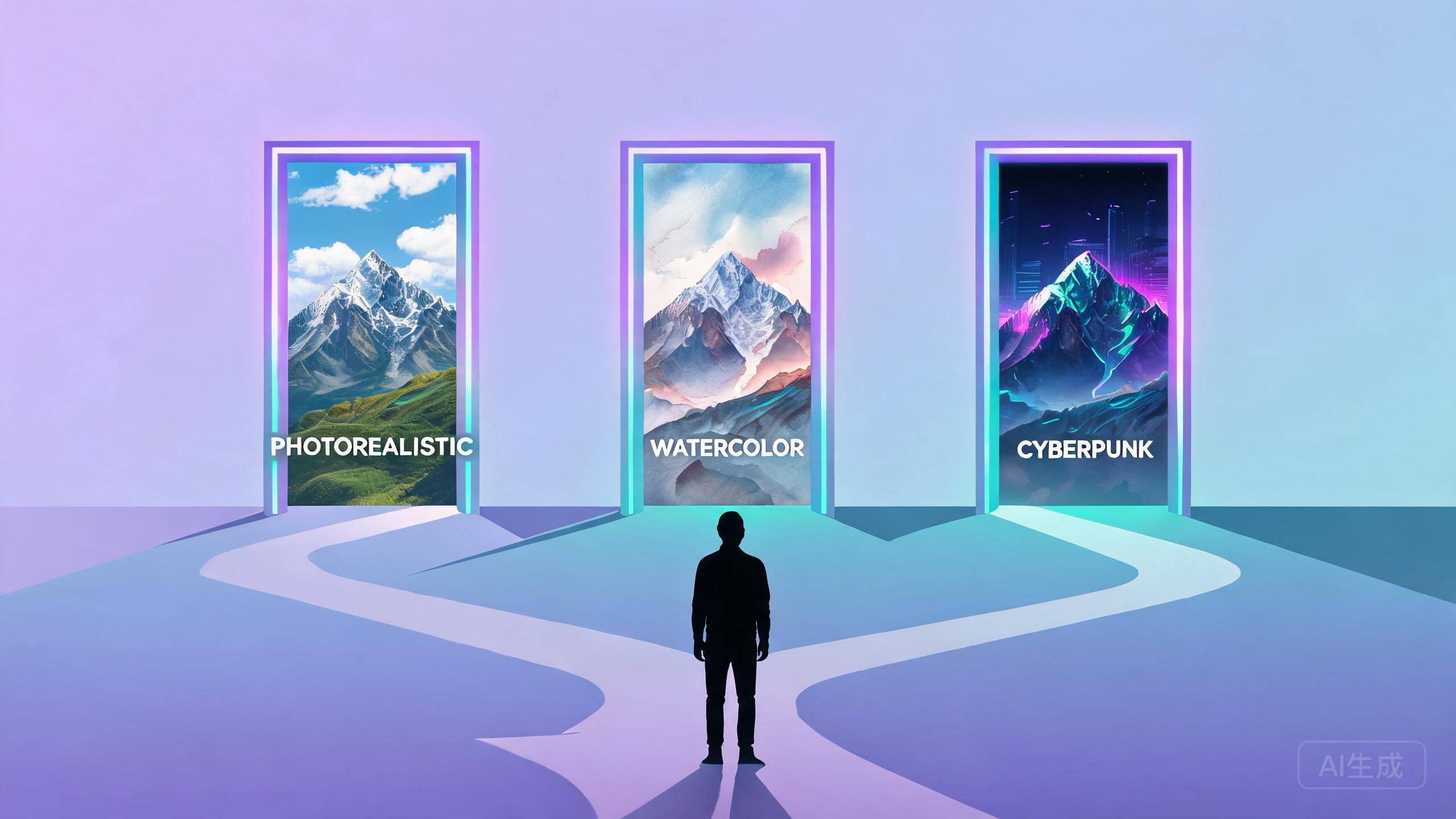
Start with the use case
Product photos favor realism and detail, social media covers favor composition and color, and memes favor speed. Decide where the image will be used first, then choose the AI image model to match — that alone saves a lot of trial and error with any image model.
Then consider speed and cost
When you need fast, large-volume iteration, prefer faster AI image models (around 2–4 seconds). When you want a single polished result, consider the higher-credit but slower flagship image models. Speed and credits for every image model are clearly labeled in the model center.
Validate with side-by-side comparison
Don't rely on spec descriptions alone. Run the same prompt across 2–3 candidate image models at once and compare the outputs side by side — the most intuitive way to choose an image model.
Save your conclusion as a recipe
Once you've chosen an image model, save the prompt, model and size together as a recipe so you can reuse it directly next time without re-selecting your image model.
How we evaluate models at UnitPic
Because our product runs every image model in the catalog, we test them the same way we recommend you do: one fixed prompt set — a product shot, a portrait, a poster with text, and a stylized illustration — generated on every image model at the same size, then compared side by side. Speed and credit numbers on each image model page come from that same process. Replicate it on any image model pair that matters to you: fix the prompt, fix the size, generate 2–3 times per model, and judge prompt adherence before aesthetics.
A concrete example
Say you sell handcrafted ceramics and need 20 product photos. The fast, 1-credit image model drafts composition ideas in minutes; the flagship image model then renders the two finalists you actually ship. Total spend stays low because you only pay flagship image model prices for images that survive selection — a workflow that beats generating all 20 on the expensive model.
Frequently Asked Questions
Which AI image model is best for beginners?
Start with a fast, low-credit model such as FLUX.1 Schnell — it costs 1 credit per image and returns results in about 2 seconds, which makes experimenting cheap. Once you know what style you need, move up to a flagship model like FLUX.2 Pro or Nano Banana Pro for final outputs.
Is a more expensive model always better?
No. Higher-credit models deliver better realism and detail, but for social posts, memes, and quick drafts, a fast model is often the smarter choice. The best practice is to run the same prompt on a cheap and an expensive model side by side and judge the difference yourself.
How do I compare image models fairly?
Keep everything except the model identical: same prompt, same output size, same seed if supported. Then look at prompt adherence, anatomy, text rendering, and overall aesthetic. UnitPic Studio is built exactly for this — one prompt runs on every selected model at once.
What does it cost to try multiple models?
On UnitPic each model has a fixed credit price per image, from 1 credit for the fastest models to around 10 credits for flagships. New accounts get 10 free credits, which is enough for a real multi-model comparison on several prompts.
Popular Head-to-Head Comparisons
Ready to give it a try?