ONE PROMPT, EVERY MODEL
AI Image Generator
Write one prompt and send it to every model you pick — a starting five is pre-selected below. Results land side by side on the same credit balance, and free credits cover your first runs.
FLUX.1 Schnell
1 credits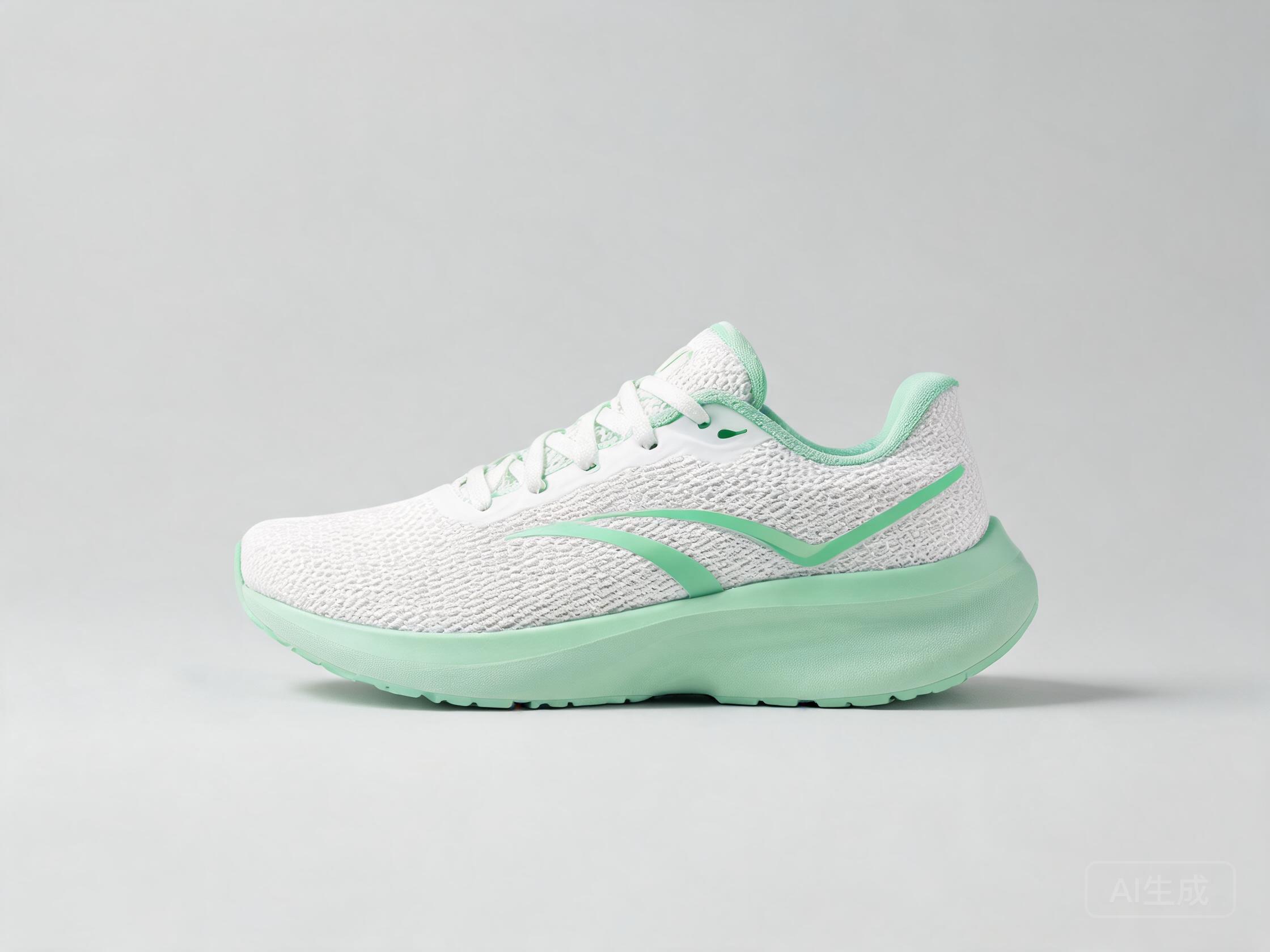
Google Nano Banana 2
18 credits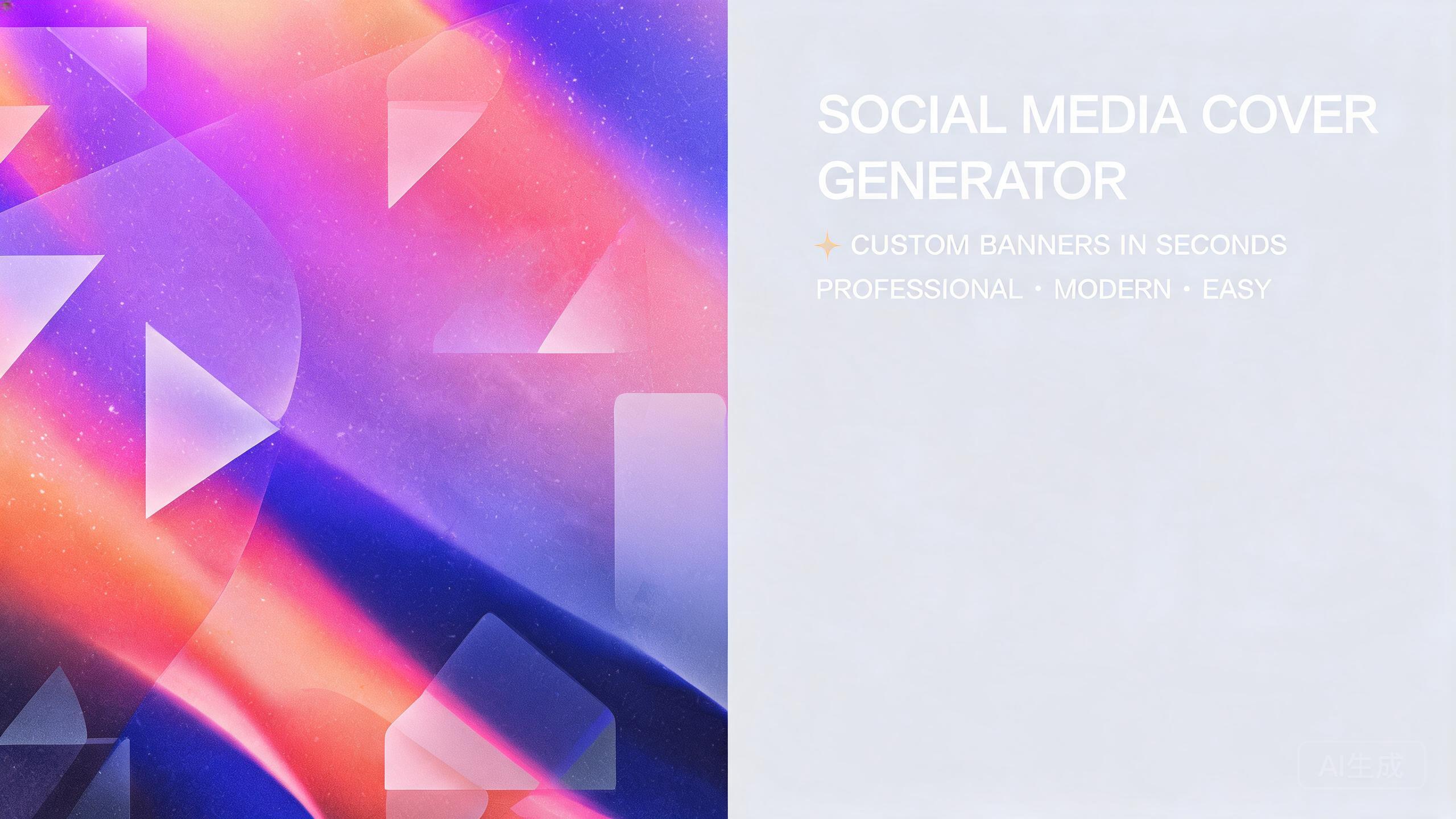
Google Imagen 4
10 credits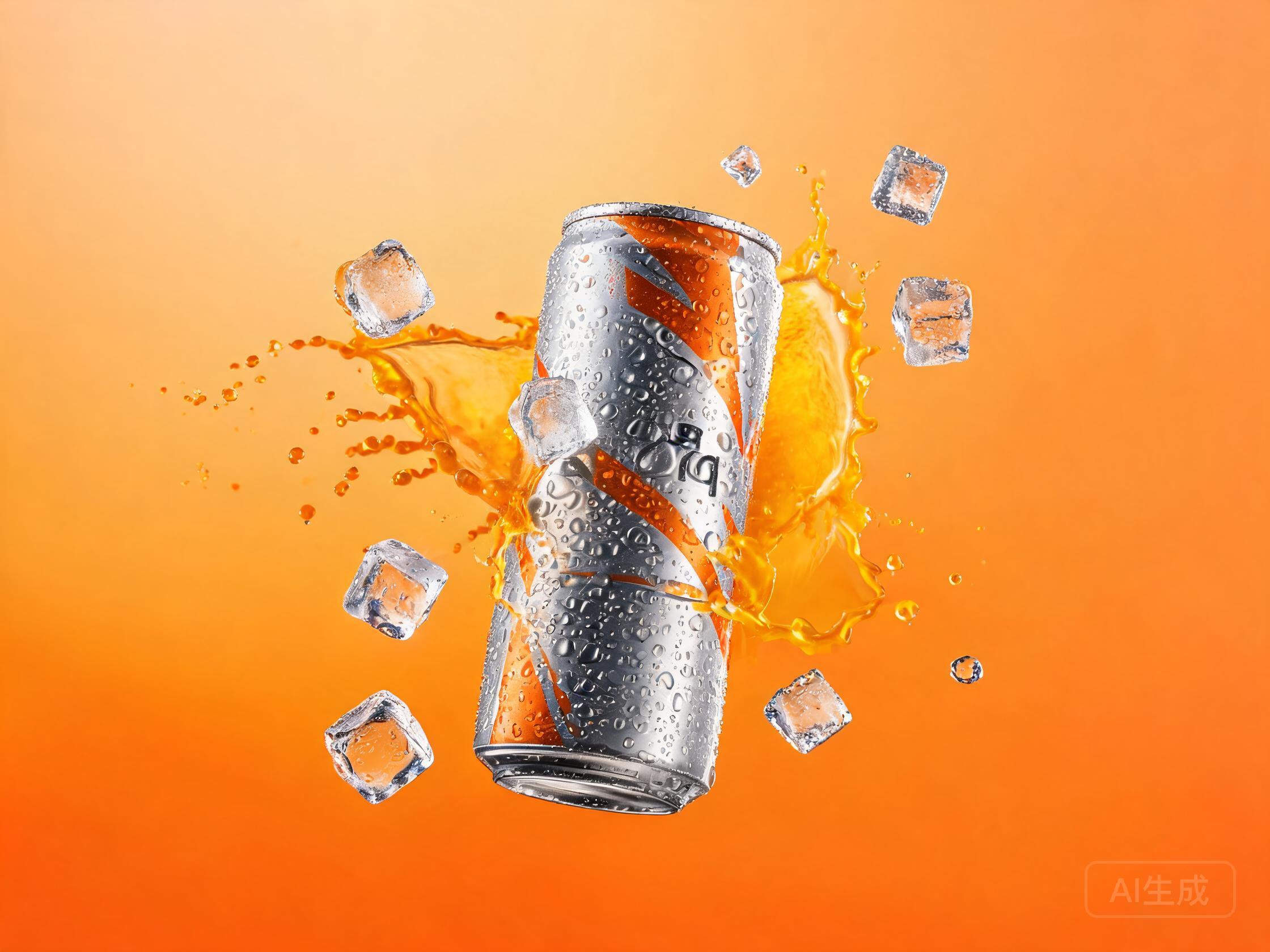
An AI image generator turns a sentence into a picture — and which engine renders that sentence is the single biggest quality decision you make. UnitPic takes the guesswork out: write one prompt, send it to several of the 29 models in the catalog at once, and keep the render that actually matches your idea. Google, Black Forest Labs, OpenAI, ByteDance, Alibaba and open-source classics, all behind one interface and one credit balance.
Every new account starts with 10 free credits — no card required — enough to run a real comparison on several prompts before paying anything.
Published September 18, 2026 · Updated September 28, 2026
STEP 1
Write one prompt
Describe the image you want in plain language — subject, style, lighting, framing. The same prompt works on every model in the catalog, so you write it once and never rewrite it per engine.
STEP 2
Pick your models
Choose a cheap model for drafts, a flagship for finals, or several at once. Every model draws from the same credit balance, so there is no separate subscription per engine.
STEP 3
Compare and keep the winner
Results land side by side. You see in one glance which AI image generator understood your idea, then download the winner and iterate on the rest only if you want to.
Why comparison is the missing feature
Every AI image generator has a dialect. The same prompt comes back glossy from one engine, painterly from another, editorial from a third — and the only way to know which one fits your project is to see them together. Normally that means juggling accounts, subscriptions and browser tabs, then squinting at results you paid for separately. UnitPic collapses that workflow into one screen: the AI image generator runs your prompt on every model you select, at the same time, under one balance, and you judge the outputs next to each other instead of from memory.
The economics change too. Drafting on a cheap model costs about as much as nothing, which makes experimentation a habit rather than a splurge — and flagship credits only get spent on images you already know you like. That draft-cheap, finish-premium rhythm is how professionals keep quality up while cost stays sane.
A starting five — the catalog goes to 29
These are the models new accounts tend to try first, from the cheapest draft engine to the flagship tier. Every model name links to its detail page; the full catalog — including illustration-tuned, text-rendering and batch-generation models — lives on the model catalog.
| Model | Vendor | Credits / image | Speed | Ref images |
|---|---|---|---|---|
| FLUX.1 Schnell | Black Forest Labs | 1 | ~2s | — |
| Nano Banana 2 | 18 | ~4s | up to 3 | |
| Imagen 4 | 10 | ~6s | — | |
| FLUX.2 [pro] | Black Forest Labs | 8 | ~10s | up to 8 |
| Seedream 5 Pro | ByteDance | 12 | ~8s | up to 10 |
| Nano Banana Pro | 36 | ~5s | up to 3 |
Credits per image, standard quality. Some models add a small per-reference-image charge — the studio always shows the exact total before you run it.
Take the AI image generator where you need it
The generator adapts to the job. These are the workflows people search for most — each one has its own page with the models, prompts and honest caveats that matter for that use case.
Transparent PNG cutouts
Logos, stickers and product cutouts: generate on clean solid backgrounds, then export transparent PNGs.
transparent image generator →Photorealistic images
Camera language in the prompt plus the strongest photoreal models, compared side by side until it looks shot.
realistic AI image generator →Online, no installs
Browser-based generation: no downloads, no GPU, works on any device — with all models one click deep.
AI image generator online →Cartoon styles
Comic strips, editorial panels, mascots and flat illustration — the western cartoon dialects, done right.
cartoon image generator →Anime styles
Cel shading, manga linework and character tropes — the models and prompts that speak the anime tradition.
anime image generator →Free to start, then pay per image
UnitPic is credit-based: you top up a balance and each image deducts from it — from 1 credit on the fastest models to 36 on the flagship. New accounts get 10 free credits (no card), there is no per-model subscription, and credits spend on whichever engine you pick. Details are on the pricing page.
AI image generator FAQ
What is an AI image generator?
An AI image generator turns a written description into a picture. You type what you want — "a matte black ceramic mug on a white studio sweep, soft lighting" — and a diffusion or autoregressive model renders it in seconds. UnitPic's twist is comparison: the same prompt can run across leading engines from Google, Black Forest Labs, OpenAI, ByteDance and more, side by side under one credit balance.
Is there a free AI image generator?
Yes. Every new UnitPic account starts with 10 free credits, no card required, and they spend on any model in the catalog — including flagships. Cheapest models cost a single credit per image, so free credits are enough to run a real multi-model comparison before you pay anything.
Which AI image generator model should I use?
There is no universal winner — that is the whole reason UnitPic exists. Cheap fast models win at drafting and volume; flagship models win at detail, text rendering and photorealism; illustration-tuned models win at anime and painterly styles. Run the same prompt on two or three and let your project decide. The model table above is a reasonable starting five.
Do I need to install anything or own a GPU?
No. UnitPic is an online AI image generator: it runs in your browser and rendering happens on the server side. A phone, a tablet or an old laptop gets the same flagship-quality output as a workstation, because your device only displays the result.
Can I edit an existing image too?
Yes — several models in the catalog accept reference images, which turns the same studio into an AI image editor. Upload a photo, describe the change in a sentence, and compare how each model interprets the instruction on the dedicated editor page.
How much does it cost after the free credits?
UnitPic is pay-as-you-go: you top up one credit balance and each image deducts from it, from 1 credit on the fastest models up to 36 on the flagship tier. There is no per-model subscription, and the studio always shows the exact total before you run a generation.
One prompt, every model, pick the winner
The fastest way to know which AI image generator gets your idea is to ask all of them. Free credits to start.
Open the studioRelated: AI image editor · model catalog · how to choose an image model · how to write image prompts