How to Write a Better Text-to-Image Prompt
Master four elements — subject, environment, style and quality — to make text-to-image output more stable and closer to what you expect.
By the UnitPic editorial team · Published August 15, 2026 · Updated August 28, 2026
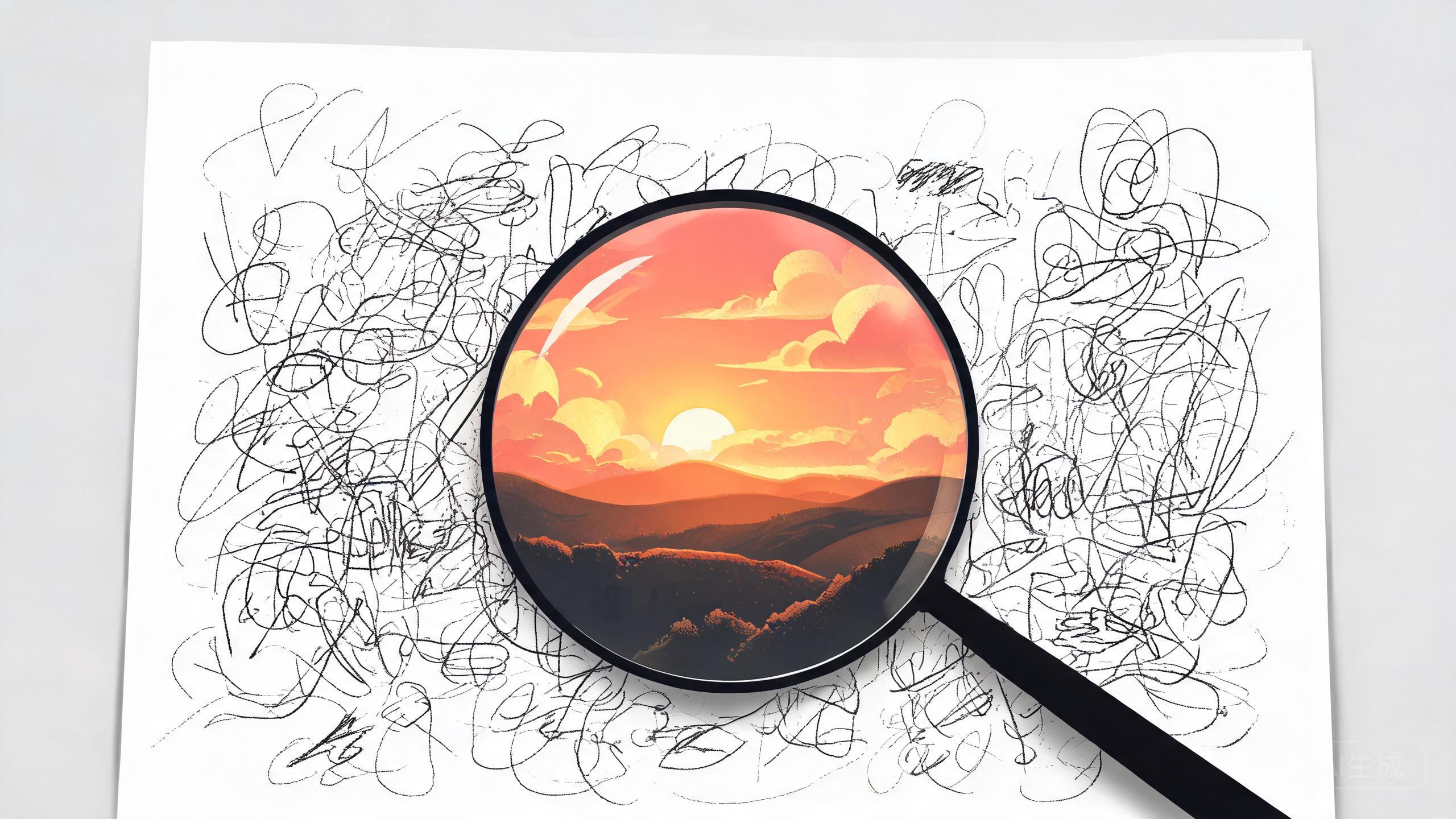
Describe the subject and action
Be clear about what the subject is and what it's doing. For example, "a cat wearing headphones" carries more information than "a cat" and is easier for the model to understand.
Add environment and lighting
Add the scene and lighting, such as "soft studio light, mint green background", to significantly affect the finished look, especially for product shots and posters.
Use variables for reuse
Write the parts that change as {{variable_name}}, for example {{product_name}}. Save it as a recipe and you only need to swap the variable each time instead of rewriting the whole prompt.
Add quality and style keywords
Finish with "commercial photography, 8k, high detail" or a specific style keyword to further stabilize quality and style.
The same prompt, five models, five results
We ran one prompt — "a ceramic coffee mug on linen, soft window light, muted tones" — across five models in the catalog. One rendered the mug but invented a second handle; another nailed the mug and drifted on the linen texture; the text-capable models followed "muted tones" most faithfully. The lesson: no prompt is portable across models. When a prompt matters, write it once and validate it per model — which is exactly what the multi-model Studio view is for.
Fix the seed when you iterate
When a result is 90% right and you are tweaking the wording, keep the seed fixed so the change you see comes from the wording alone. Release the seed when you want fresh variations of a prompt that already works. Seed control is available on models that support it, marked in the model list.
Frequently Asked Questions
How long should an image prompt be?
Most models work best with 15–60 words. Too short and the model fills gaps with defaults; too long and weaker models start ignoring parts of the instruction. Put the subject first, then style, then quality keywords.
Do negative prompts work on all models?
Support varies. Some models accept a dedicated negative prompt field, others rely on you phrasing positively. A safe cross-model approach: describe what you DO want clearly, and use negative prompts only on models that support them.
Why does the same prompt give different results?
Models sample randomly unless you fix the seed. Use the seed parameter when you want reproducible results — handy when you find a generation you love and want to iterate on it. Changing any other parameter (size, quality) still shifts the output.
Should I write prompts in English?
Most flagship models are trained primarily on English, so English prompts are the safest default. Qwen-Image and Seedream handle Chinese well. When unsure, test the same prompt in both languages side by side and compare.
Popular Head-to-Head Comparisons
Ready to give it a try?