How to Compare Multiple Models the Right Way
One input, multiple models at once — how to compare so you surface the real differences.
By the UnitPic editorial team · Published August 16, 2026 · Updated August 29, 2026
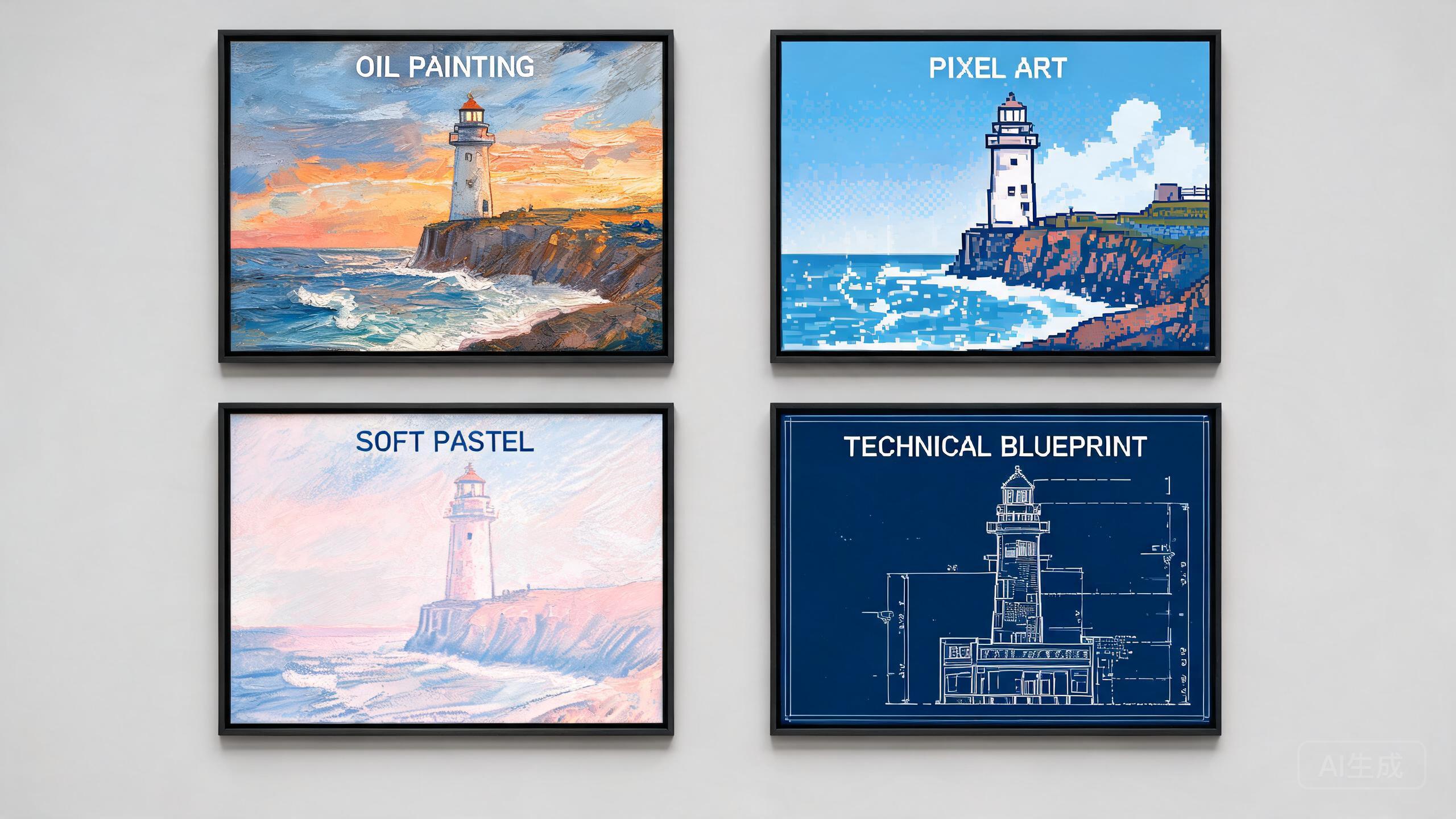
Keep the prompt fixed
When comparing, only swap the model and keep the prompt unchanged, so you can attribute differences to the model itself rather than to prompt changes.
Control the variables
Standardize the output size and count to avoid misjudging a model because of different resolutions.
Pick 2–3 candidates
Don't select too many models at once. Narrow it down to 2–3 leading candidates based on your use case and compare them side by side — far more efficient than running a dozen at once.
Compare directly in the studio
Enter a prompt once and select multiple models in the studio to generate side by side, then save your chosen results to history in one click.
Run every comparison at least twice
Single generations can be lucky or unlucky: a model that nails a prompt once can miss it on the rerun. Two runs per model is the minimum for a fair verdict; three is better when the decision matters. On a budget, spend it on reruns of the finalists rather than first passes of every model in the catalog.
Score outputs before you fall in love with one
Give each output two quick scores: did it follow the prompt (subject, count, colors, text spelled correctly), and is the execution clean (anatomy, hands, artifacts). A stunning image that ignored your instructions is a lucky accident, not a reason to pick a model — in production you cannot rely on luck.
Frequently Asked Questions
How many models should I compare at once?
Two or three is the sweet spot. With more, you burn credits on models you were never going to pick, and it becomes harder to judge subtle differences. A good workflow: one fast cheap model as a baseline plus one or two flagship candidates.
What's the fairest way to compare two image models?
Use the identical prompt, identical size, and run each model 2–3 times — single generations can be lucky or unlucky. Judge on prompt adherence first (did it draw what you asked?), then aesthetics. A model that ignores your instructions but looks pretty is usually the wrong pick for work.
Can I compare models without paying for each platform?
That is exactly what UnitPic does: one account, one credit balance, and every major model behind it. You write one prompt, pick the models, and get all outputs side by side — no separate subscriptions or API keys needed.
Popular Head-to-Head Comparisons
Ready to give it a try?