Recipe Details
- Prompt
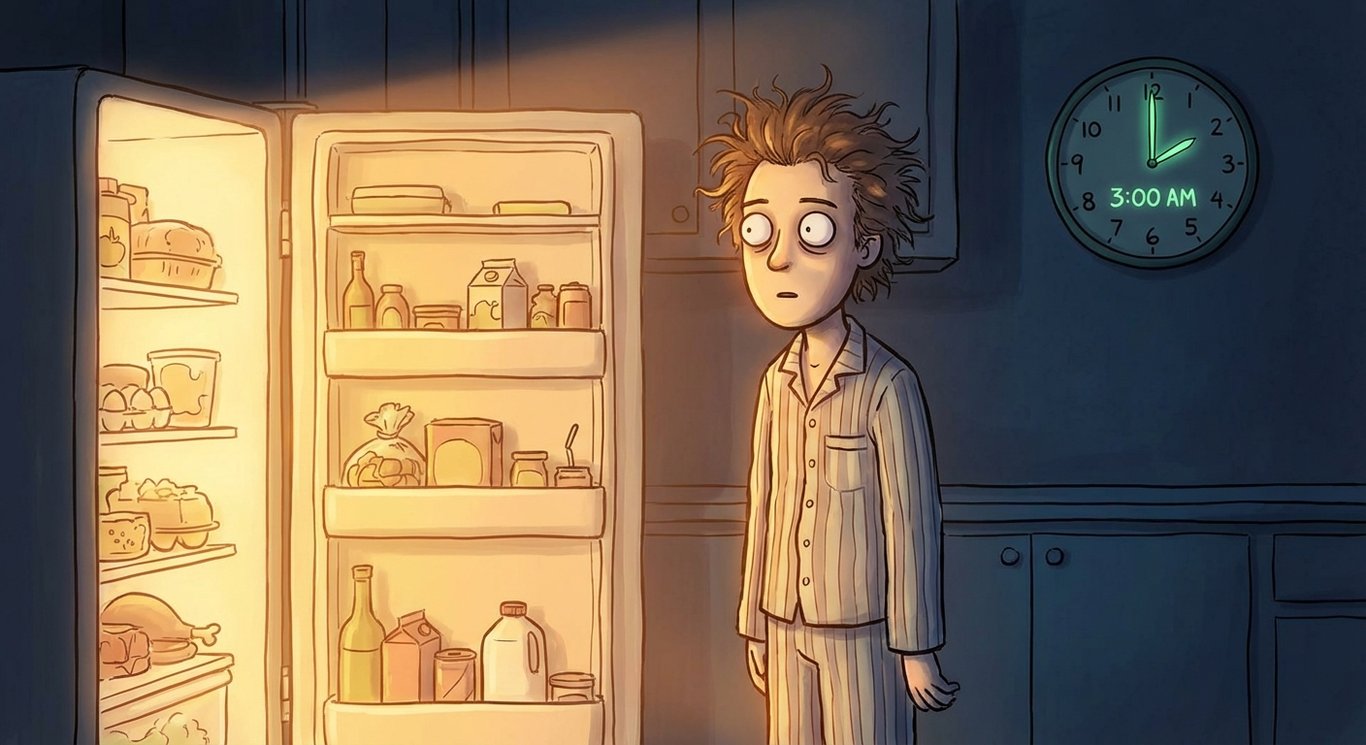
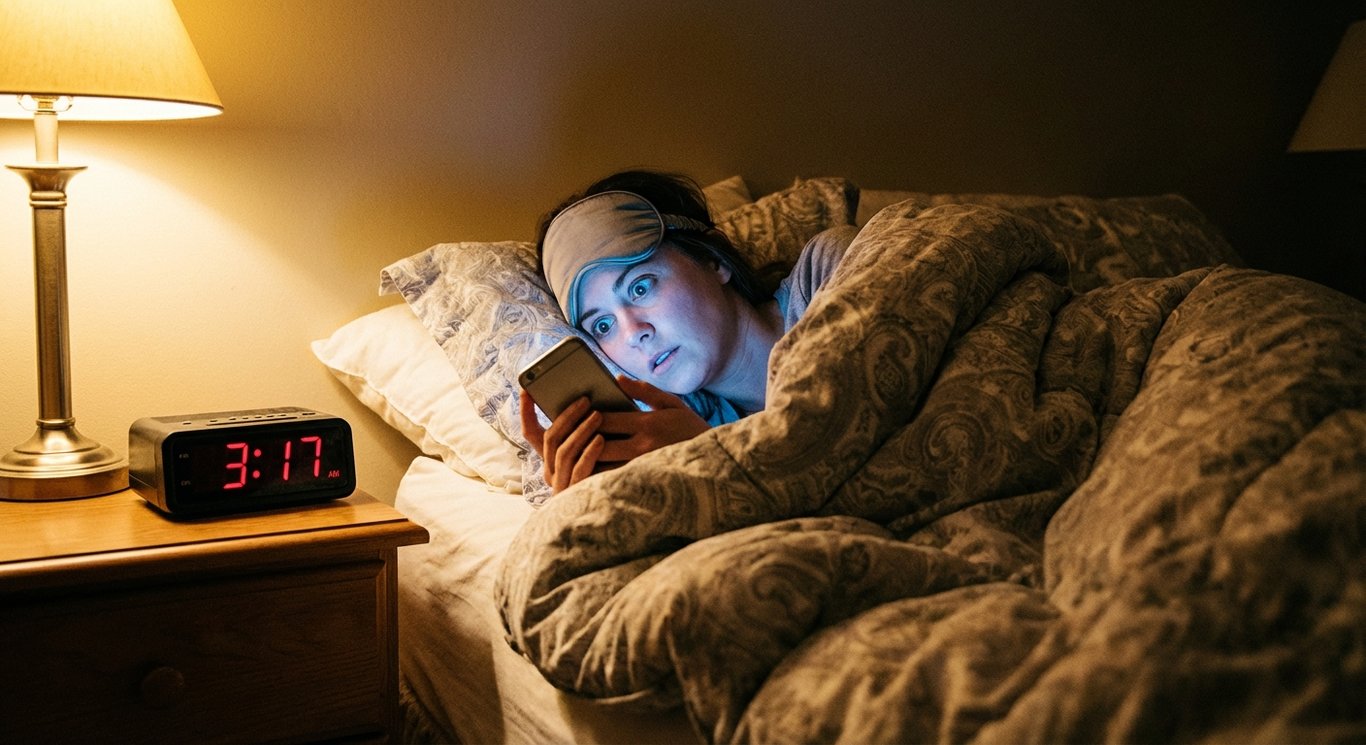
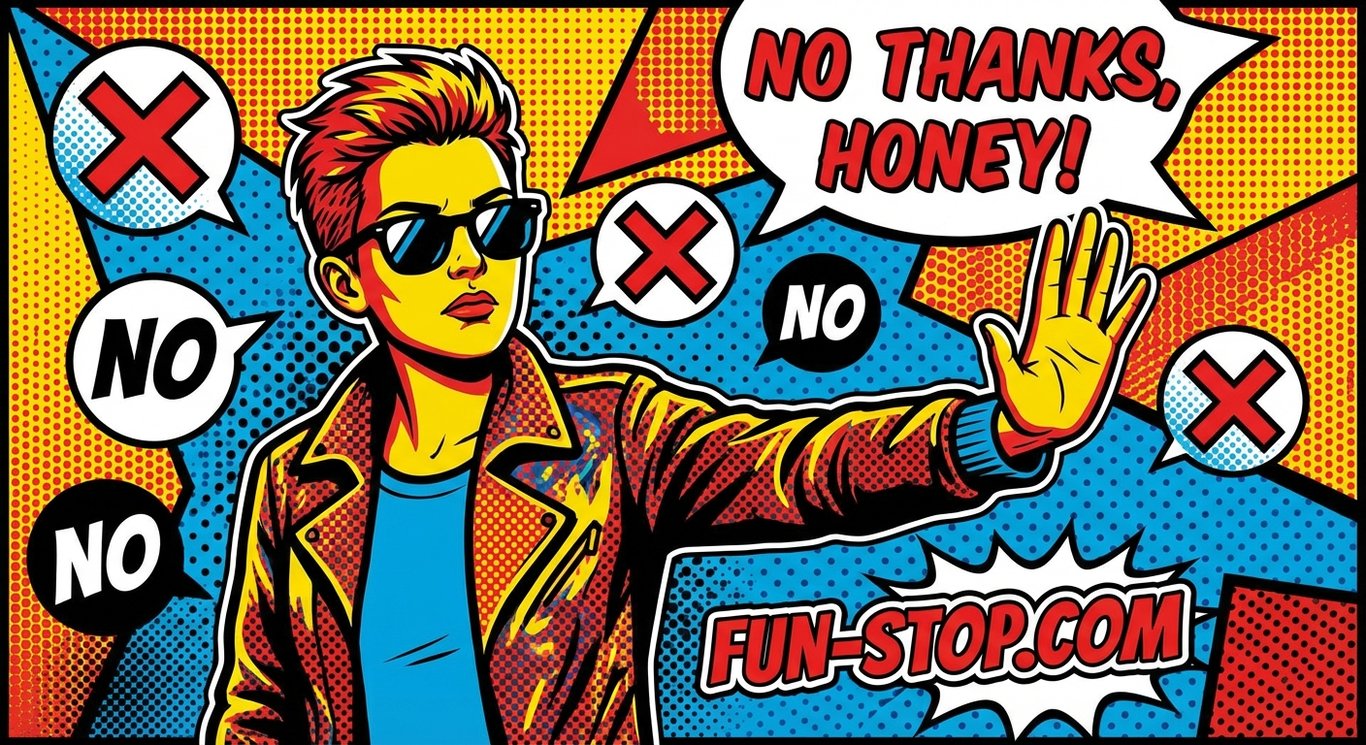
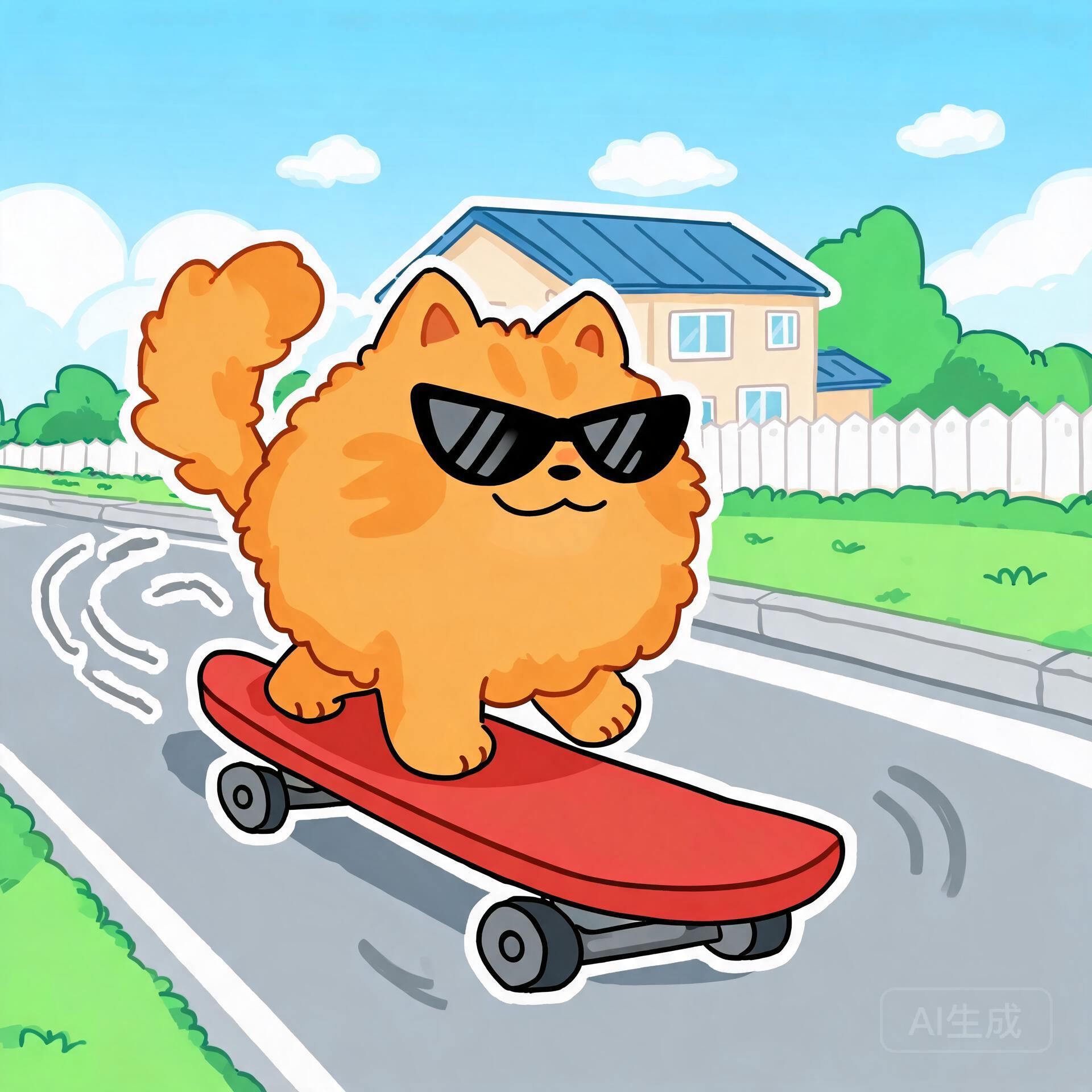
Fun meme image with {{character}} doing {{action}}, {{expression}}- Model
- FLUX.1 Schnell · FLUX.2 Klein 9B
- Aspect Ratio
- 1:1
- Resolution
- 1024 × 1024
- Reference Images
- Not used
- Settings
- Default
This social recipe exists because social work rewards comparison: the same brief, read by several AI image models, produces genuinely different takes on lighting, composition and detail. Instead of betting social deliverables on a single model, run the prompt once here and judge the whole spread side by side.
By the UnitPic editorial team
Prompt Template
Fun meme image with {{character}} doing {{action}}, {{expression}}Replaceable Variables
{{character}}{{action}}{{expression}}{{character}}— who is in the scene — "a clumsy robot" or "an over-caffeinated cat".{{action}}— what the character is doing, e.g. "juggling coffee cups".{{expression}}— the mood on their face — "bewildered grin" or "deadpan stare".
Model Combination
The comparison line-up behind this recipe: FLUX.1 Schnell by Black Forest Labs (1 credits, ~2s per image) and FLUX.2 Klein 9B by Black Forest Labs (2 credits, ~4s per image). One prompt fans out to all of them at once — what varies between the results is each engine's interpretation. Budget-wise, one complete comparison round is 3 credits across the 2 models — you see every interpretation for less than most single flagship generations.
How to Judge the Results
Before picking a winner from the Meme Factory comparison, run each candidate through this four-point checklist.
Expression punch
The {{expression}} is the joke. If the face does not land in half a second, that meme candidate is out.
One-figure clarity
The funniest meme images have a single readable character doing the {{action}} — extra figures dilute the punchline.
Chat-size test
Check every candidate at messaging-app thumbnail size; memes live in chats, not on gallery walls.
Absurdity calibration
There is a line between funny-weird and broken-weird. Cross-model comparison shows you which engines can tell the difference.
How to Run the Meme Factory Recipe
- 1Fill in the template variables — start with character, since it shapes everything else — and paste the finished prompt into the Studio prompt box.
- 2Pick the models you want to compare. This recipe pre-selects FLUX.1 Schnell, FLUX.2 Klein 9B, but you can add or remove models freely.
- 3Fire one generation and evaluate the whole grid; keep the model whose take fits your social project and iterate from there.
Recipe FAQ
How much does the Meme Factory recipe cost per run?
Each image costs the underlying model's credits, so a full comparison on all 2 models comes to 3 credits. New accounts start with 10 free credits — enough to run the whole recipe once with room to spare.
Can I use this recipe with other models?
Nothing is locked to the default line-up (FLUX.1 Schnell, FLUX.2 Klein 9B). Replace them with anything in the UnitPic catalog; the prompt template works with every model.
Do I need to keep the template variables to get good results?
Treat the template as a checklist of the details that matter for this use case. The wording can change, but the specificity — especially character — is what gets you commercial-grade output.