Recipe Details
- Prompt
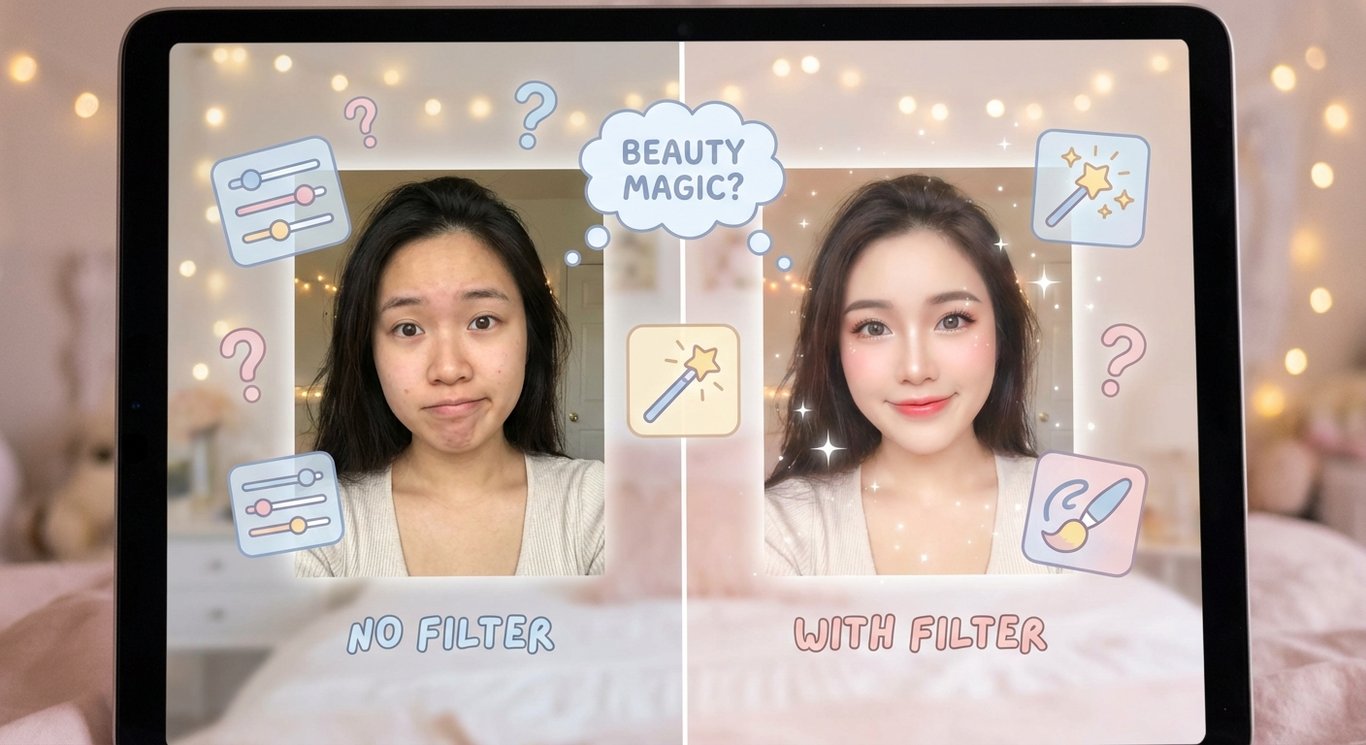
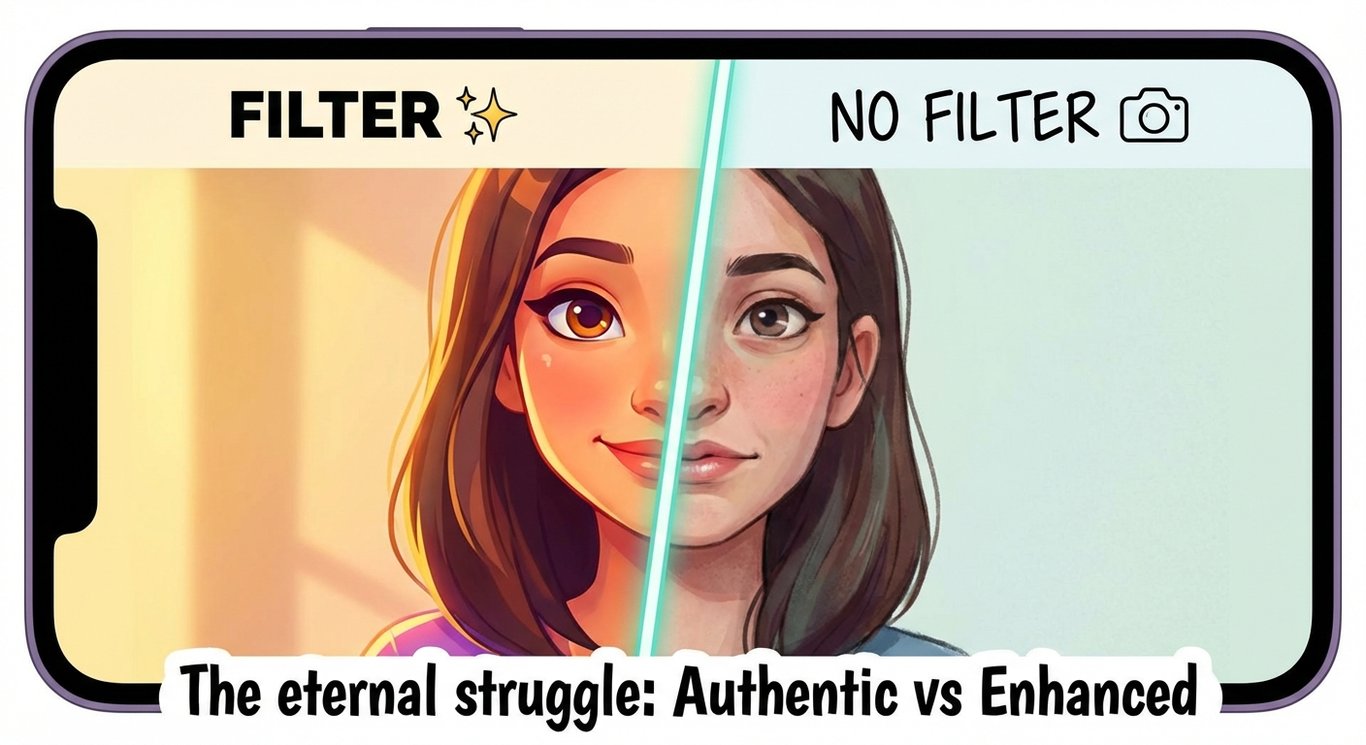
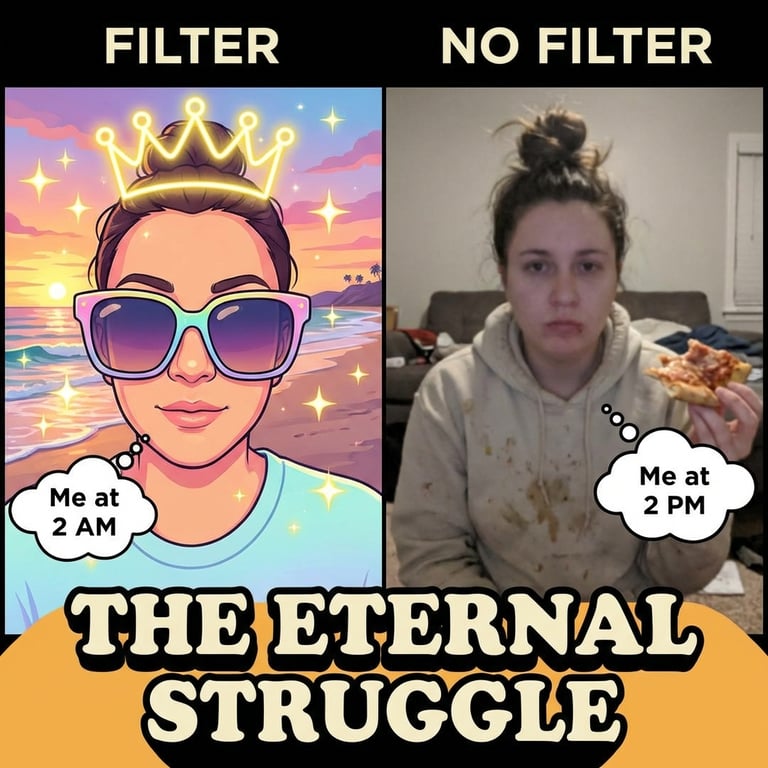
A creative side-by-side composition showing a person's selfie with and without beauty filters, surrounded by floating filter icons and adjustment sliders, question marks and thought bubbles, a magic wand tool and smoothing brush icon, soft dreamy aesthetic with pastel color palette
- Model
- Nano Banana
- Aspect Ratio
- 1366:745
- Resolution
- 1366 × 745
- Reference Images
- Not used
- Settings
- Default
This social recipe pairs the original prompt with its GPT Image 2 result. Start with the recorded composition and lighting, then remix the subject or mood to suit your own project. Additional model results can be generated from the same prompt in Studio.
By the UnitPic editorial team
More sample outputs
Other takes generated from the same recipe theme — different composition, same prompt family.
Prompt Template
A creative side-by-side composition showing a person's selfie with and without beauty filters, surrounded by floating filter icons and adjustment sliders, question marks and thought bubbles, a magic wand tool and smoothing brush icon, soft dreamy aesthetic with pastel color palette
Model Combination
The published result was generated with Nano Banana. Use the original prompt to create another interpretation, or select additional models in Studio to compare their results. Generation costs depend on the model and quality setting you choose.
How to Judge the Results
Before picking a winner from the Filter vs No Filter comparison, run each candidate through this four-point checklist.
Expression clarity
The face or gesture carries the joke — if it reads instantly at feed size, the image works; if it needs studying, try another model.
Thumbnail survival
Shrink the result to chat-thumbnail size. Social images live and die at small sizes, so detail that collapses there is detail you do not need.
Mood consistency
Lighting, palette and expression should agree on one emotion. Mixed signals make the scene feel generated rather than felt.
Overlay room
Check there is a quiet zone for a caption. A great social image with nowhere to put text needs extra editing before posting.
How to Run the Filter vs No Filter Recipe
- 1Use this recipe to open Studio with the original prompt, model and aspect ratio already selected.
- 2Keep the prompt as written, or remix its subject, lighting and composition. Add models if you want a side-by-side comparison.
- 3Generate, inspect the result against the checks below, then save your version as a new recipe.
Recipe FAQ
Which model made the published result?
The image shown here was generated with Nano Banana using the recorded prompt. Results from other models are only shown after they have been generated.
Can I change this prompt?
Yes. Remix the recipe to change the subject, lighting, mood or composition. Your version is saved separately from this editorial recipe.
Will another generation look identical?
No. The prompt records the creative direction, but generation is variable. Use the published image as a reference for composition and inspect the new result before using it.