Recipe Details
- Prompt
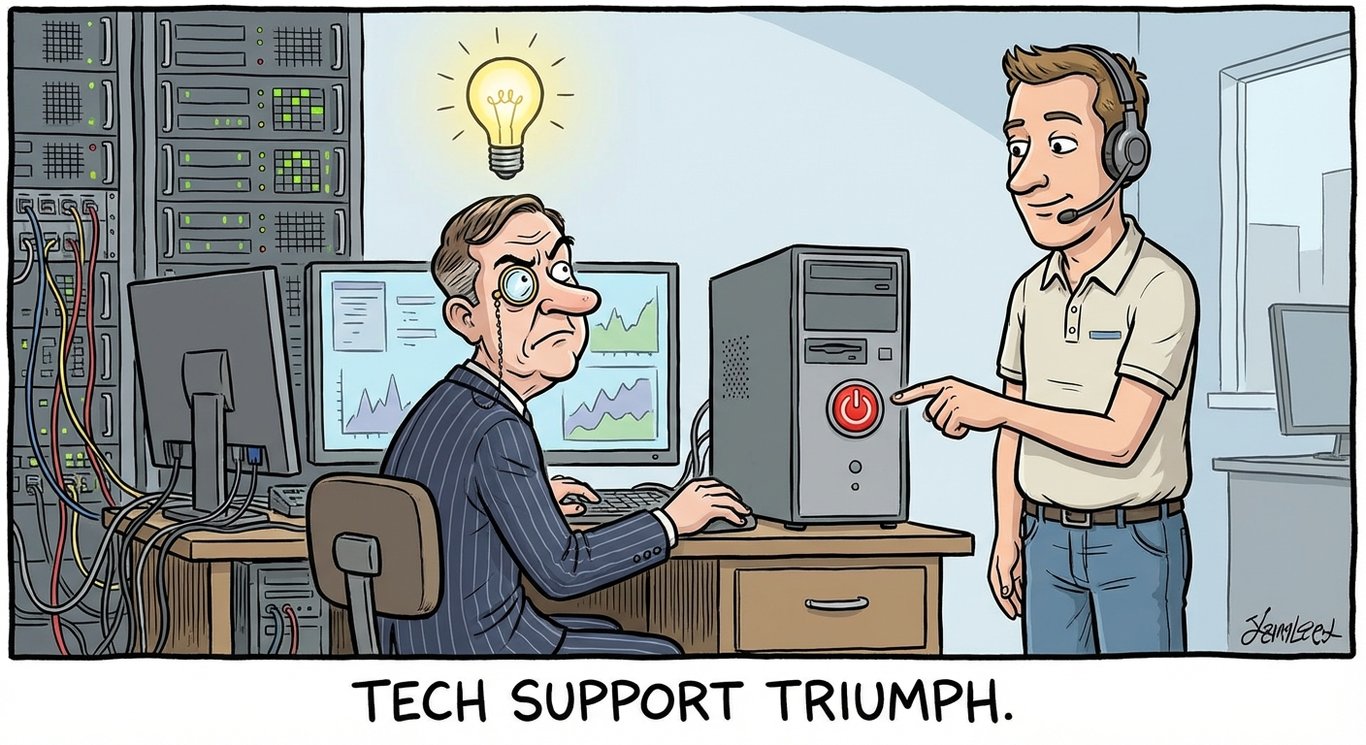
A humorous illustration of a sophisticated-looking professional in a fancy office surrounded by complex tech equipment and diagnostic tools, an IT support person standing calmly pointing at the power button, the professional having an epiphany moment with a lightbulb above their head, satirical corporate tech cartoon
- Model
- Nano Banana
- Aspect Ratio
- 1366:745
- Resolution
- 1366 × 745
- Reference Images
- Not used
- Settings
- Default
This social recipe pairs the original prompt with its GPT Image 2 result. Start with the recorded composition and lighting, then remix the subject or mood to suit your own project. Additional model results can be generated from the same prompt in Studio.
By the UnitPic editorial team
More sample outputs
Other takes generated from the same recipe theme — different composition, same prompt family.
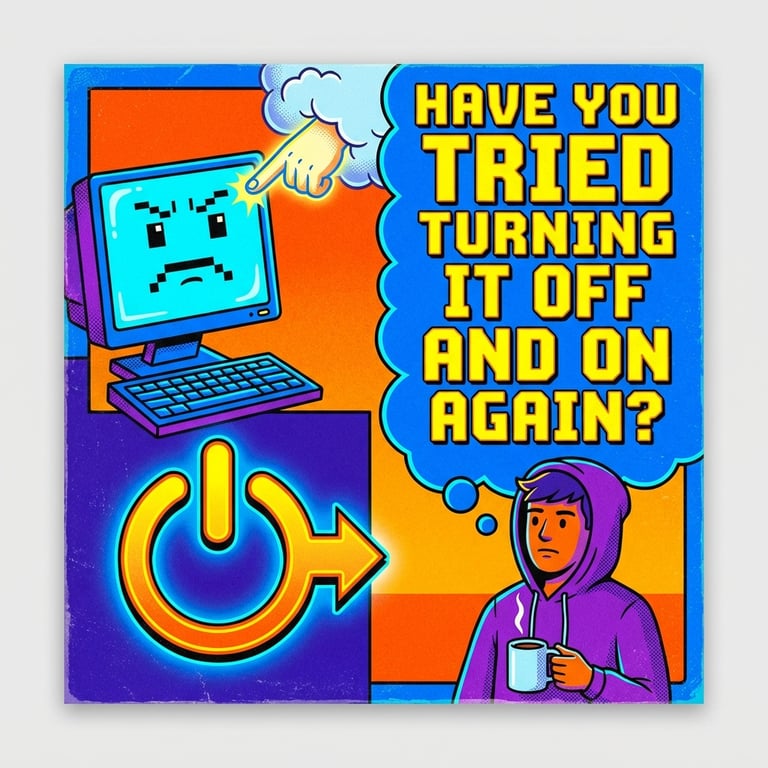
Prompt Template
A humorous illustration of a sophisticated-looking professional in a fancy office surrounded by complex tech equipment and diagnostic tools, an IT support person standing calmly pointing at the power button, the professional having an epiphany moment with a lightbulb above their head, satirical corporate tech cartoon
Model Combination
The published result was generated with Nano Banana. Use the original prompt to create another interpretation, or select additional models in Studio to compare their results. Generation costs depend on the model and quality setting you choose.
How to Judge the Results
Before picking a winner from the IT Support Wisdom comparison, run each candidate through this four-point checklist.
First-glance impact
Scroll past it, then look back: if the image still makes you smile on the second glance, it has staying power.
Anatomy check
Fingers, limbs and reflections are where these scenes usually fail. Zoom in before committing to a model.
Lighting logic
Shadows and highlights should follow one consistent light source across subject and background.
Share readiness
Check the edges for platform cropping and the center for a clear focal point — both decide whether it gets forwarded.
How to Run the IT Support Wisdom Recipe
- 1Use this recipe to open Studio with the original prompt, model and aspect ratio already selected.
- 2Keep the prompt as written, or remix its subject, lighting and composition. Add models if you want a side-by-side comparison.
- 3Generate, inspect the result against the checks below, then save your version as a new recipe.
Recipe FAQ
Which model made the published result?
The image shown here was generated with Nano Banana using the recorded prompt. Results from other models are only shown after they have been generated.
Can I change this prompt?
Yes. Remix the recipe to change the subject, lighting, mood or composition. Your version is saved separately from this editorial recipe.
Will another generation look identical?
No. The prompt records the creative direction, but generation is variable. Use the published image as a reference for composition and inspect the new result before using it.