TRY IT ON THIS PAGE
AI Image Prompt Generator
Write one prompt and run it across every model this page recommends — the AI Image Prompt Generator studio below starts with them pre-selected. Results land side by side on the same credit balance, and free credits cover your first runs.
Leonardo Lucid Origin
6 credits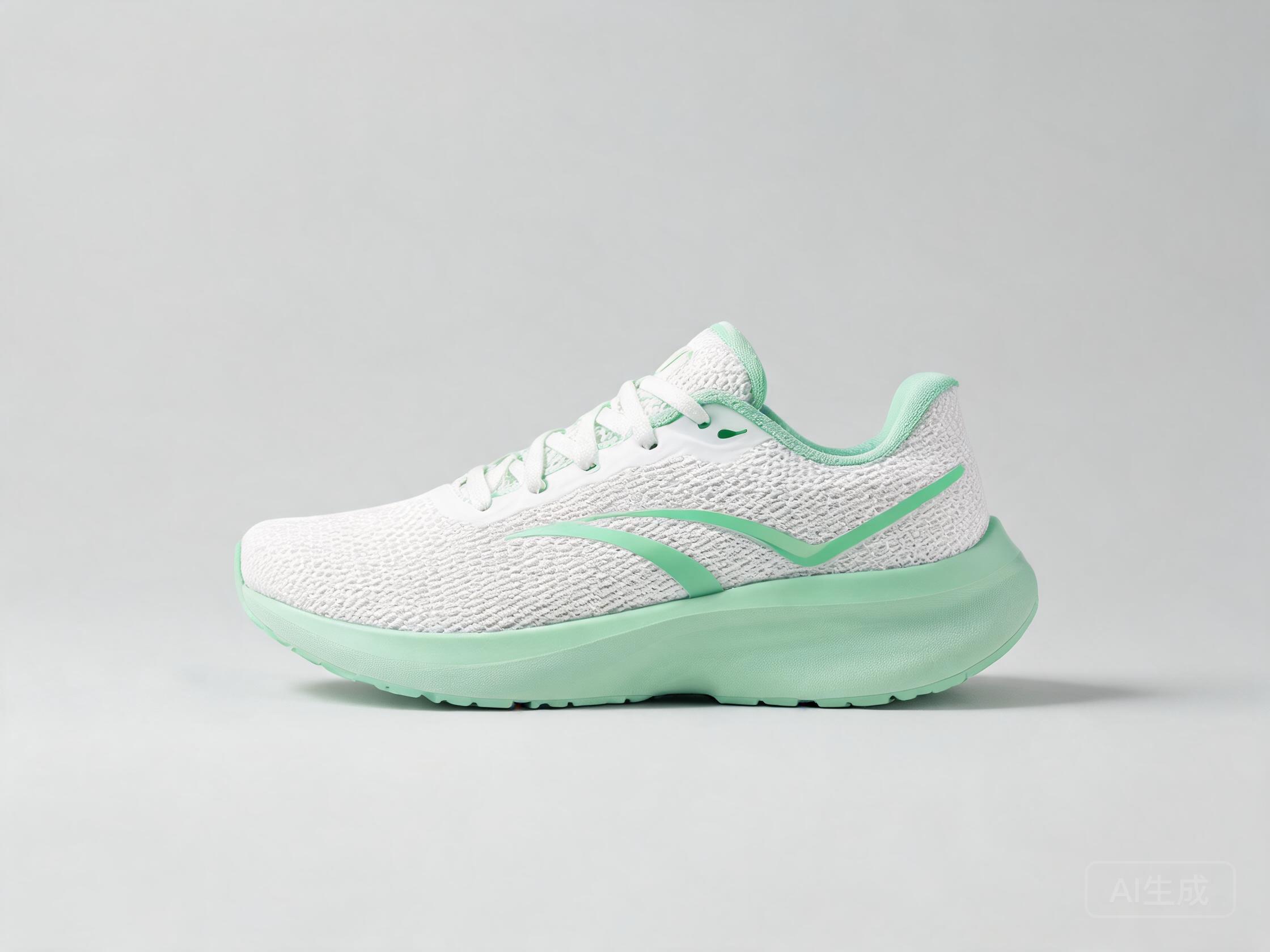
Grok Imagine 2.0
10 credits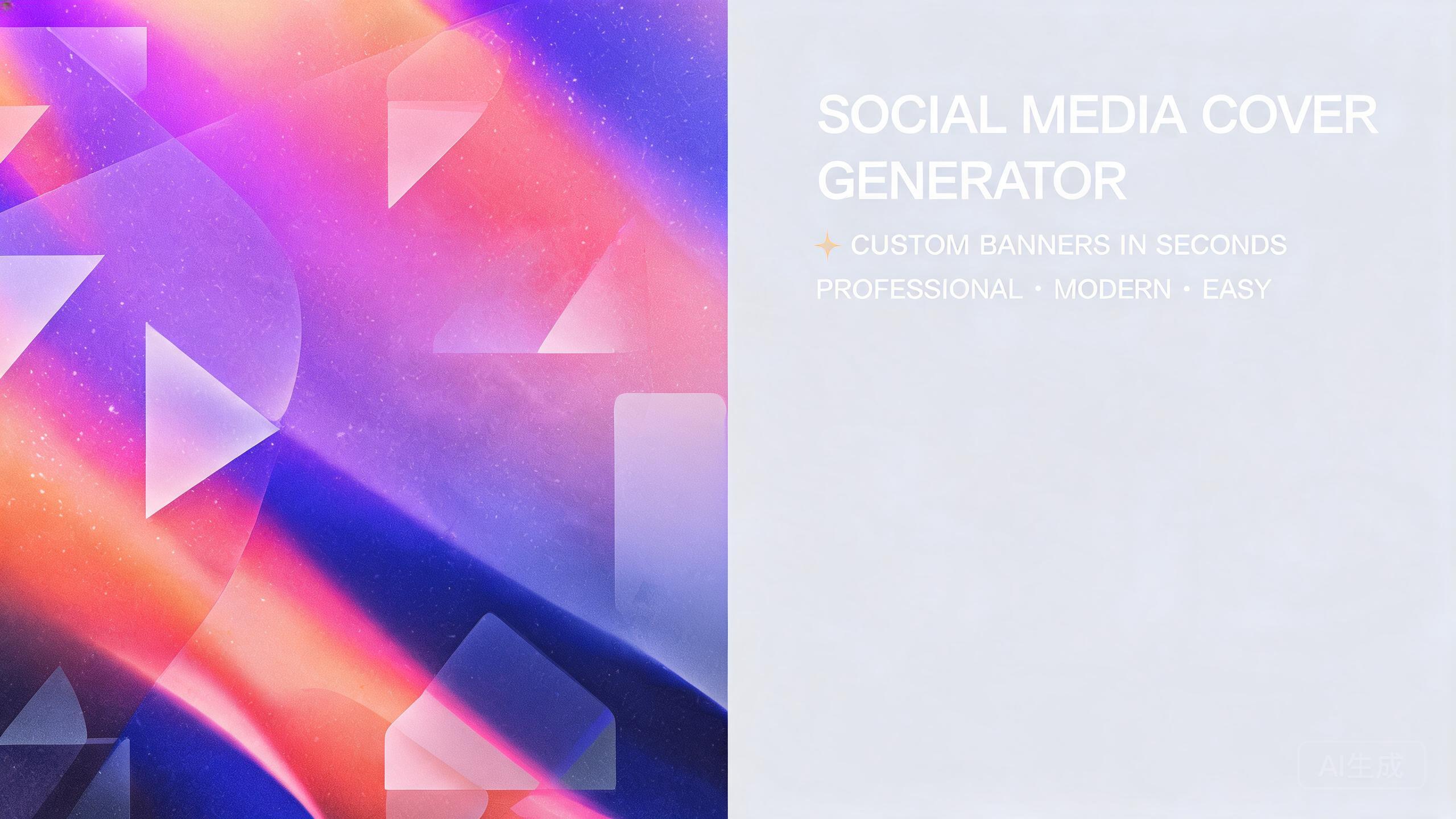
Google Nano Banana Pro
36 credits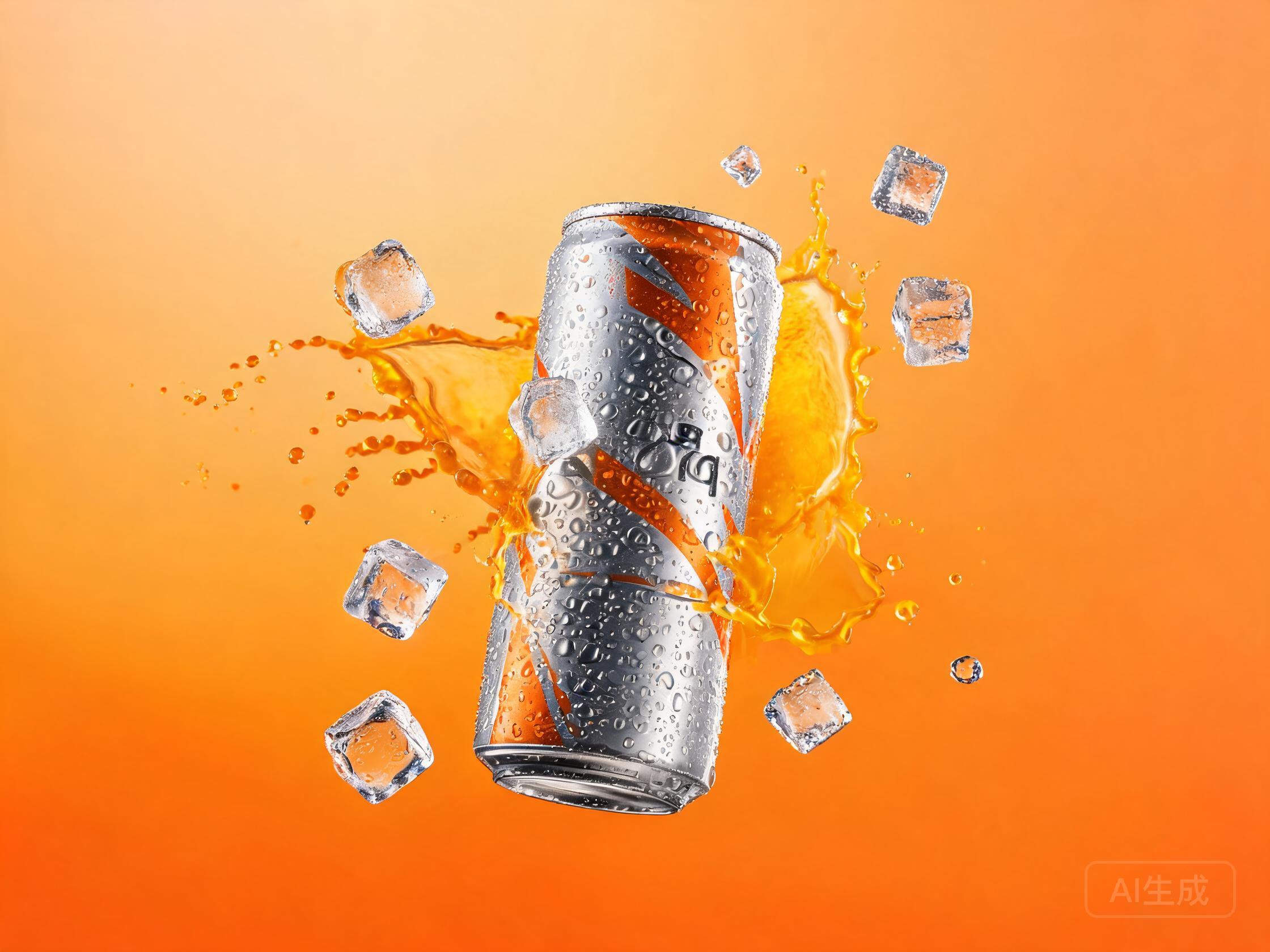
An AI image prompt generator is not a magic sentence machine — it is structure. Every prompt that reliably produces good images stacks the same five slots: subject, style, lighting, camera, quality. Fill them, and even a short prompt outperforms a long rambling one. This page gives you the formula, fill-in-the-blank templates you can copy right now, and a free evaluator that scores your prompt before you spend a single credit on generating.
New accounts get free credits to start (no credit card), enough to run real generations on any model in the catalog. The workflow on this page is write, score, generate: the [free prompt evaluator](/jev-ai-prompt-evaluator) grades any prompt in seconds, so credits only go to prompts that score well.
Published September 25, 2026 · Updated September 28, 2026
STEP 1
Fill the five slots
Start from one of the templates below: subject, style, lighting, camera, quality. Replace each placeholder with a concrete choice — the more specific the word, the harder the slot works. Filling all five is the whole image prompt generator habit, and it beats a paragraph of vague praise.
STEP 2
Score it before you generate
Paste the finished prompt into the evaluator before spending anything. It returns structured judgments — clarity, missing elements, specificity — so you fix the weak slot instead of paying to discover it. That check separates a prompt that works from a prompt that hopes.
STEP 3
Generate and compare
Take the scored prompt into the studio and run it on two or three models at once. The same five slots render differently on every engine, and the side-by-side view shows which model heard you.
The 5-slot formula behind every AI image prompt generator
Reliable prompts are not longer or more poetic — they are more complete. Every image prompt generator formula worth using comes down to the same five slots; the discipline of an AI image prompt generator is filling all five on purpose:
The proof is a one-line upgrade. Before: "a dog on a beach". After: "a golden retriever mid-sprint along a foggy Pacific beach, overcast morning light, 35mm street photo, shallow depth of field". Same idea — but the second fills all five slots, so it renders the intention instead of guessing.
| Slot | What it decides | Example words |
|---|---|---|
| Subject | The main actor plus its action — the anchor every other slot modifies | a barista pouring latte art |
| Style | The medium and visual language of the whole render | flat vector / photorealistic / 90s anime cel |
| Lighting | Where the light comes from and how soft it is — the biggest lever on mood | golden hour / softbox / neon rim |
| Camera & lens | Framing, distance and optics — composition is decided here | 85mm portrait / 35mm street / top-down |
| Quality & mood | The finish and the emotional temperature of the image | 8k, high detail / muted editorial tones |
Fill the slots in order; an empty slot gets filled by the model's guess — and guesses are where bad renders come from.
Copy-paste prompt templates
This is the working core of the page: eight AI image prompt generator templates, each a fill-in-the-blank version of the formula above. Copy the card that matches your project, replace every {placeholder} with a concrete choice, and you have a five-slot prompt in a minute.
General-purpose
“{subject}, {style}, {lighting} light, {camera angle}, {mood} atmosphere”
Photoreal portrait
“85mm portrait of {subject}, {skin detail}, window light from {direction}, {film stock} look”
Product photo
“Professional photo of {product}, {material}, {background} background, soft studio lighting, subtle contact shadow, 8k”
Flat vector illustration
“Flat vector illustration of {subject}, limited {n}-color palette, clean geometry, no gradients”
Anime scene
“{demographic} anime {scene}, {line style}, {era} aesthetic, dynamic composition”
3D render
“3D render of {subject}, {material} material, soft studio HDRI, {brand}-style proportions”
Scene & concept art
“Wide establishing shot of {place}, {time of day}, {weather}, volumetric light, cinematic”
Poster & cover
“Poster design for {topic}, bold {color scheme}, {layout style}, space for headline text”
A template is a starting point, not a cage — add or drop slots as the project demands. For the reasoning behind each slot, read how to write image prompts; a text to image prompt generator works best when you know why every slot exists.
Score your prompt before you generate
The formula and the templates fix the writing; the free AI prompt evaluator fixes the checking. Paste a prompt and it returns structured judgments — is it clear, what is missing, how specific — each with a calibrated confidence, instead of a rewritten prompt. You keep authorship of the fix; the evaluator shows you which slot is weak.
A generation costs real credits — from 1 credit on the draft models to 36 credits on the flagships — and a vague prompt fails on every model at once. Scoring first drops the cost of trial and error to zero: fix the prompt while fixing it is free, then run the survivors side by side in the AI image generator studio.
An image prompt generator page that only hands you templates is half a tool; the evaluator is the other half — free, no sign-in, one scored pass before a prompt earns its credits.
Five prompt mistakes the evaluator catches
Adjectives without a subject. "beautiful amazing art" has mood and praise but nothing for the other slots to modify — the render is a lottery ticket. One concrete subject line fixes it.
Slots that contradict each other. "photorealistic 90s anime cel" asks for two media at once and the model averages them into mush. Pick one lane per slot.
Quality-word bombardment. Stacking "8k 4k hdr ultra" does not add detail — it dilutes the words that actually decide the image. One quality phrase is enough; five is noise.
A missing camera slot. Framing is the first thing a composition needs and the first thing beginners omit. "85mm portrait" or "top-down" decides more about the render than any adjective.
No lighting at all. Light is the difference between texture and mud. Without a lighting slot the model samples a default — why the same prompt renders differently every day.
From image to prompt — reverse engineering a look
Working backwards — from a reference image to the prompt that would produce it — is the other half of AI image prompt generator skill. Honest disclosure first: UnitPic has no tool that takes an uploaded picture and writes its prompt, so there is no automatic image to prompt generator here — but a manual method works, and a reference-image shortcut skips the wording entirely.
Method A — break the reference into slots. Interrogate the image with the formula: who or what is the subject, and what is it doing? What medium is this? Where does the light come from? What lens and framing would a photographer use? What is the finish and the mood? One line per slot, in the table's order — that is your prompt. Most "create the text to image prompt for this scene" requests are exactly this analysis, done slowly.
Method B — let a reference-image model read the look for you. Instead of describing the style, show it: open the AI image editor, upload the reference, and write the change — "replicate this illustration style with a new subject", "rebuild this lighting on a different product". The editor models take reference images directly, so the style moves by example rather than description.
Which prompt style works best on which model
The last piece of an AI image prompt generator workflow is engine selection — five-slot prompts are not heard identically by every model. The model catalog lists all 29 with live credits and speed; below is the shortlist by prompt style — which wording each model responds to best.
| Model | Credits / image | Speed | Why this model here |
|---|---|---|---|
| Lucid Origin | 6 | ~8s | Long, literal prompts land almost word for word, and quoted in-image text renders legibly — the pick for posters and text-in-image work |
| Grok Imagine Image 2.0 | 10 | ~5s | Art-directed, stylized prompts with visible typography hold up well — distinctive creative looks rather than neutral realism |
| Nano Banana Pro | 36 | ~5s | Dense photoreal prompts — skin detail, film stock, lens behavior — are followed closely; realism slots pay off here |
| Wan 2.6 Image | 8 | ~5s | Negative-prompt support means "no gradients, no text" exclusions actually get enforced — rare, and valuable for graphic work |
| Qwen Image 3.0 Pro | 10 | ~5s | Strong prompt understanding — long structured prompts and multilingual wording are parsed reliably, slot by slot |
Credits and speed update live from the catalog; the studio shows the exact total before you run a generation.
Free to start, then pay per image
You never subscribe to a single model: credits spend on whichever engine you pick, so trying a flagship costs the same as any experiment.
Scoring first changes the arithmetic of iteration: evaluation is free, while a generation runs from 1 credit on the draft models to 36 credits on the flagship. A scored prompt stops being a bet — you spend on renders, not on discovery.
That is the habit this AI image prompt generator page teaches: template to draft, evaluator to check, studio to render. New accounts start with 10 free credits — no card — enough to score a dozen prompts and generate the best two before paying anything.
Frequently asked questions
What is an AI image prompt generator?
Structure, templates and a score — not a magic sentence machine. A good one hands you the five-slot formula, fill-in-the-blank templates built on it, and a way to check a prompt before paying for the render. This page is exactly that — formula, eight templates, free evaluator.
Is the prompt evaluator free?
Yes — the AI prompt evaluator is free and needs no sign-in. It runs on TypeSafe Jev, a structured evaluation model on Cloudflare Workers AI, returning calibrated judgments on clarity, missing elements and specificity rather than a rewritten prompt. Evaluating costs nothing; only the generation afterwards spends credits.
How long should an image prompt be?
Around 30 to 60 words is the sweet spot, and structure matters far more than length — an image prompt generator works on completeness, not word count. A 35-word prompt with all five slots filled beats a 100-word ramble, because unfocused words dilute the slots that actually decide the render.
Can I turn an image into a prompt?
Not automatically — there is no tool here that uploads a picture and returns its prompt, so image to prompt work on UnitPic is manual. The reliable method is slot-by-slot analysis: subject and action, medium, light direction, lens, finish — one line each. To show a look instead of describing it, the AI image editor takes reference images directly.
Do negative prompts work?
On models that support them, yes — Wan 2.6 Image and Qwen Image 3.0 Pro both take negative prompts in this catalog, where wording like "no gradients, no text" gets enforced instead of ignored. Write negatives as a short, concrete exclusion list, not a second positive prompt.
What makes a prompt "good"?
Five filled slots and no contradictions: concrete subject, chosen style, light direction, camera framing, finish — none fighting another. Length is not the variable; completeness is. That is the quality bar an AI image prompt generator checks against — and why a 25-word five-slot prompt outrenders a 150-word mood board.
Build better prompts — free evaluator
The fastest way to know which model gets your idea is to ask all of them. Free credits to start.
Open the evaluatorRelated: how to write image prompts · model catalog · AI image editor