TRY IT ON THIS PAGE
3D AI Image Generator
Write one prompt and run it across every model this page recommends — the 3D AI Image Generator studio below starts with them pre-selected. Results land side by side on the same credit balance, and free credits cover your first runs.
Leonardo Lucid Origin
6 credits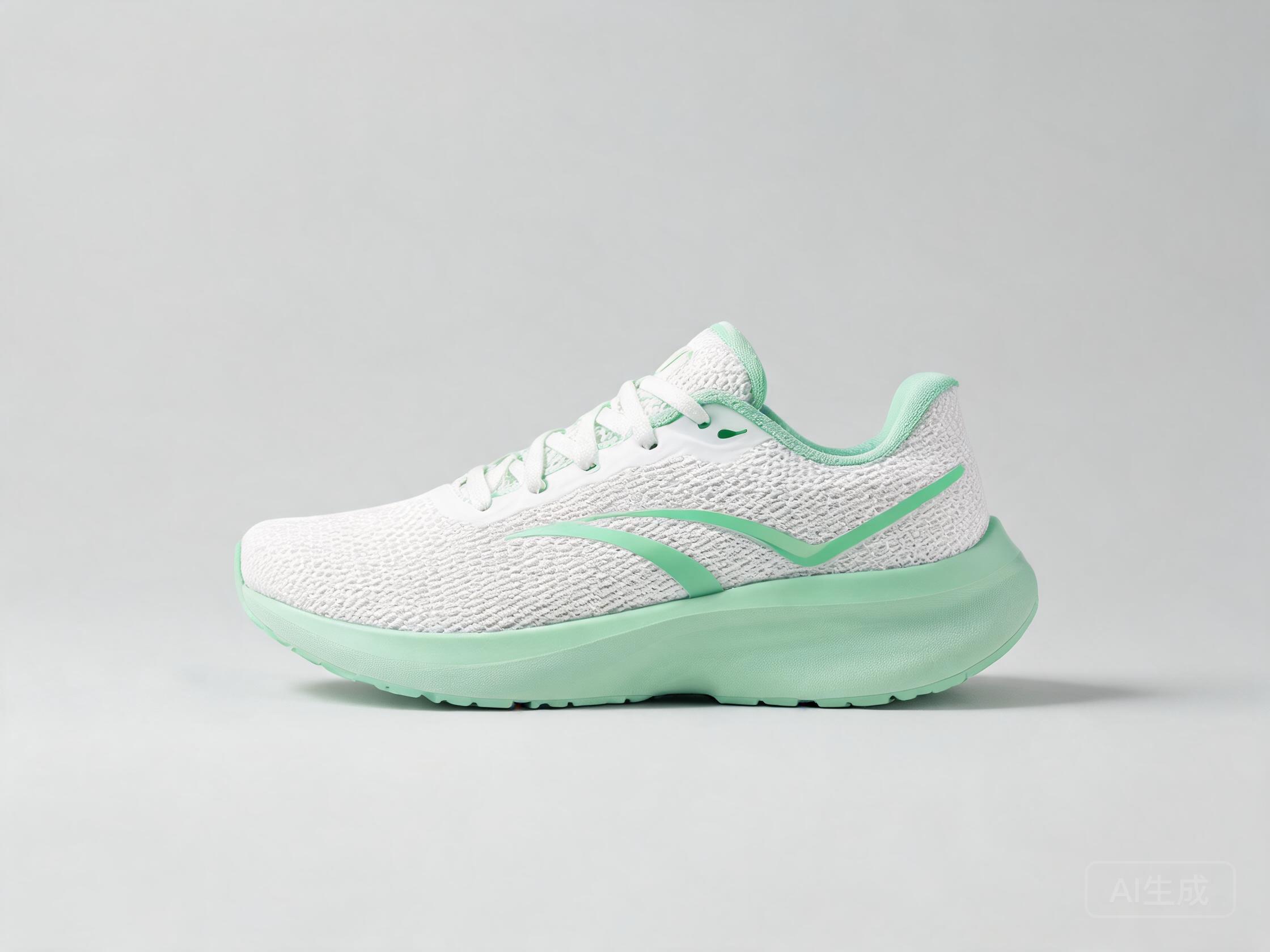
Google Nano Banana 2
18 credits
ByteDance Seedream 5 Pro
12 credits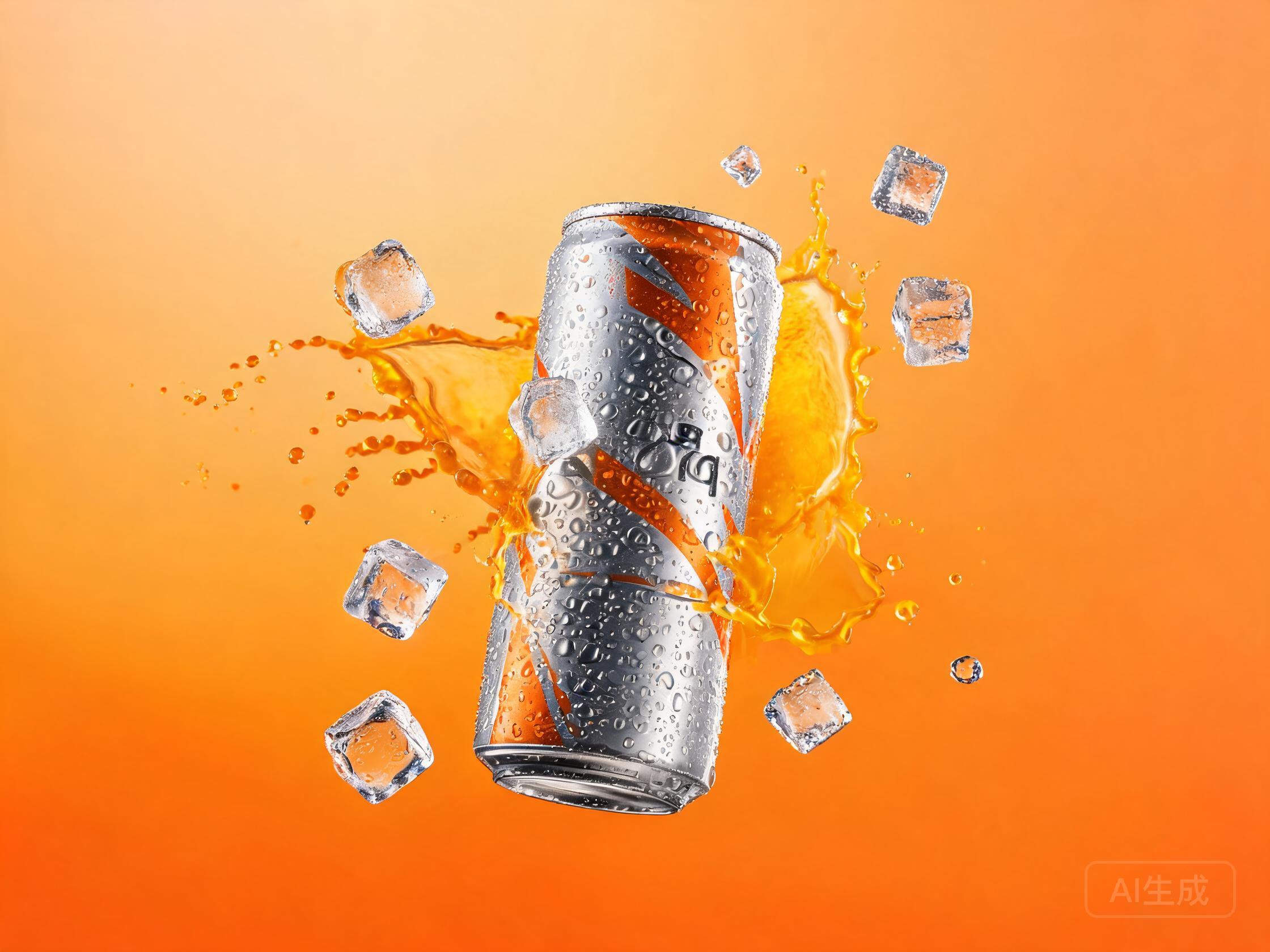
A 3D AI image generator creates images with real dimensionality — soft studio lighting on clay, the toy-plastic sheen of a collectible, clean isometric rooms that look built, not drawn. One honest note up front, because you deserve it: these are pictures that look 3D, not 3D model files you can rotate and export. For mockups, marketing visuals and concept art, that is exactly what you want — and UnitPic shows you how four different engines render the same dimension so you can pick the one with the best light.
Every new account starts with free credits — no card required — so you can test the full workflow before paying anything. However you phrase the search — "AI image generator 3D", "3D image generator" — the goal is the same: pictures that look built rather than drawn. This page is the dimensional corner of the [AI image generator](/image-generator) catalog: the looks, the honest limits, the models and the prompts.
Published September 23, 2026 · Updated September 28, 2026
STEP 1
Describe the material
Say what the surface is made of: glossy vinyl, brushed metal, frosted glass, matte plastic. Material words drive the realism of a 3D render far more than the word "3D" ever will — engines render surfaces, not adjectives.
STEP 2
Compare renders side by side
Run the same prompt on several engines and line the results up. Each model lights dimension differently — softer plastic here, harder edges there — and the winner is simply the one with the best light for your brief.
STEP 3
Upscale and use
Pick the winner and raise the quality tier or resolution where the model supports it. A 3D-style image is a finished flat asset: drop it straight into covers, thumbnails, decks and shop pages.
The 3D looks you can generate
A 3D AI image generator is material-driven: what separates a claymation still from a product render is the surface and the light, not the subject. These six looks — from claymation to Pixar-style characters to commercial product shots — cover most briefs, each with the words that reliably produce it:
| Look | Signature details | Prompt keywords that get it |
|---|---|---|
| Claymation | Matte surfaces, visible fingerprints, stop-motion charm | claymation, fingerprint texture, soft studio light |
| Toy / collectible | Glossy vinyl, blind-box proportions, acrylic base, product lighting | collectible vinyl figure, glossy plastic, acrylic base, product photography lighting |
| Pixar-style | Appealing characters, subsurface-scattered skin, cinematic light | Pixar-style character, subsurface scattering, cinematic lighting |
| Isometric | Cutaway rooms and tiny cities at a fixed angle | cutaway view, fixed 45-degree angle, warm evening light, soft shadows |
| Product render | Brushed metal, glass, marble, dramatic commercial lighting | brushed steel, marble counter, dramatic side lighting |
| Low-poly | Faceted geometry, flat colors, minimal shading | low-poly, faceted geometry, flat colors |
Every look is a 2D image with 3D styling — the next section spells out what that does and does not mean.
What a 3D AI image generator actually makes
Here is the honest boundary, stated plainly. A 3D AI image generator outputs images — flat files with convincing depth, shading and lighting. It does not output 3D models: no mesh, no camera to orbit, no .obj or .blend file to export. If you need something you can rotate in a game engine or send to a 3D printer, you need a modeling tool like Blender, and this page will not pretend otherwise.
For plenty of work, though, an image is the entire deliverable — thumbnails and covers, concept art, marketing visuals, cutaway explainer scenes, social posts. Nobody rotates those; they just have to look dimensional:
| 3D-style image (what you get here) | Actual 3D model (Blender, Maya, etc.) |
|---|---|
| A flat picture that looks three-dimensional — ready to place in layouts and posts | Real geometry — objects, cameras and lights you can move |
| Generated in seconds from a text prompt | Modeled by hand, minutes to hours per asset |
| A fixed viewpoint — a new angle means a new image | Any angle, any lighting, exported as .obj, .blend or .fbx |
| Best for covers, mockups, concept art, marketing visuals | Best for 3D printing, game engines, animation, AR |
Rule of thumb: if it will be seen as a picture, generate it; if it will be rotated, printed or animated, model it.
Four engines that render dimension well
Rendering quality is where an AI 3D image generator shows its hand: some produce plastic that reads as plastic and metal that reads as metal, while others flatten everything into illustration. These four cover the range — material richness, geometric precision, toy gloss, product-shot lighting — and their credits and speed are pulled live from the catalog:
| Model | Credits / image | Speed | Why this model here |
|---|---|---|---|
| Seedream 5 Pro | 12 | ~8s | The richest material feel in the catalog — clay, plastic and metal all read as themselves. |
| Lucid Origin | 6 | ~8s | Sharp prompt response keeps geometric compositions like isometric rooms precise and on brief. |
| Nano Banana 2 | 18 | ~4s | Dependable toy and blind-box-figure gloss — the fastest route to collectible-style characters. |
| FLUX.2 [pro] | 8 | ~10s | Production-grade lighting control for product shots and commercial mockups. |
All four run on the same credit balance as every flagship — swap between them mid-session without repurchasing.
Four 3D prompts to start from
Four working prompts, one per look. The shared skeleton: a named material, a lighting setup, and a scene specific enough to be worth generating.
Clay
“Claymation-style 3D render of a tiny dragon sleeping on a stack of books, visible fingerprint texture, soft studio lighting, pastel colors, 3d, octane render”
Collectible
“3D render of a collectible vinyl figure of an astronaut cat, glossy plastic, displayed on an acrylic base, product photography lighting”
Isometric
“Isometric 3D render of a cozy attic studio apartment, cutaway view, warm evening light, tiny plants and books, soft shadows, blender style”
Product
“3D render of a brushed steel espresso machine on a marble counter, dramatic side lighting, shallow depth of field, commercial mockup”
Run one of these through two or three engines and the difference is instructive — same prompt, same geometry, completely different light. That gap is exactly what a 3D AI image generator comparison exists to show you.
Three tips for convincing 3D renders
Let materials do the work. The word "3D" alone adds almost nothing. Matte clay, glossy plastic, subsurface scattering, brushed metal, frosted glass — material words are what make a prompt read as dimensional instead of decorated.
Light for volume. Dimension lives in the lighting words: soft studio HDRI, rim light, volumetric haze. A 3D render with flat lighting looks like a vector illustration with extra steps.
Use engine suffixes sparingly. "3d, octane render, blender" as a quality suffix genuinely helps — but only when paired with a real material. Engine names alone produce a vague gloss that could be anything under the sun.
Free to start, then pay per image
You never subscribe to a single model: credits spend on whichever engine you pick, so trying a flagship costs the same as any experiment.
Dimensional images do not cost extra: a 3D AI image generator charges by the image, not by the polygon, and the price is set by the model you pick. Your free starter balance — 10 credits, no card required, about 30 seconds to sign up with email or Google — is enough to compare a couple of engines on a real prompt before paying anything.
Lucid Origin sits near the bottom of the catalog's price range and still delivers clean 3D renders, so dimensional experiments do not need flagship credits. When a draft earns a finish, the same balance pays for the flagship pass, and the studio shows the exact total before every run.
Frequently asked questions
Can an AI image generator make actual 3D models?
No — and any tool that implies otherwise is being coy. A 3D AI image generator outputs images: flat files that look three-dimensional, complete with lighting and material shading, but with no mesh to rotate and nothing to export. For actual 3D models you need a modeling tool such as Blender; for images that look 3D, you are already in the right place.
What is a 3D AI image generator good for?
Anything consumed as a picture: thumbnails and covers, concept art for characters and environments, marketing visuals and mockups, explainer scenes, social posts. The common thread is that the viewer sees a finished image — nobody rotates it, prints it or loads it into an engine.
Which model is best for 3D renders?
There is no single winner, because materials are where the engines differ. Seedream 5 Pro leads on rich surfaces like vinyl and metal, Lucid Origin on precise geometry, Nano Banana 2 on collectible gloss, FLUX.2 Pro on product-shot lighting. The honest answer is to run your prompt across all four and compare — one click, and the difference is immediate.
Are 3D-style images free to generate?
New accounts get 10 free credits — no card required — and signing up takes about half a minute with email or Google. Lucid Origin, one of the cheaper engines in the catalog, handles clean geometric 3D looks, so the free balance covers a real test rather than a single sample.
Can I print a 3D-style image on merchandise?
As a flat print, yes — posters, t-shirts, stickers and mugs are all fair game, and dimensional art prints beautifully. Actual 3D printing a figurine is different: that needs a real 3D model file (.obj, .stl), which image generators do not produce. For that you would need a modeling tool or a dedicated image-to-3D service.
Generate 3D-style images
The fastest way to know which model gets your idea is to ask all of them. Free credits to start.
Open the studioRelated: realistic image generator · how to choose an image model