TRY IT ON THIS PAGE
Unlimited AI Image Generator, Honestly Explained
Write one prompt and run it across every model this page recommends — the Unlimited AI Image Generator studio below starts with them pre-selected. Results land side by side on the same credit balance, and free credits cover your first runs.
FLUX.1 Schnell
1 credits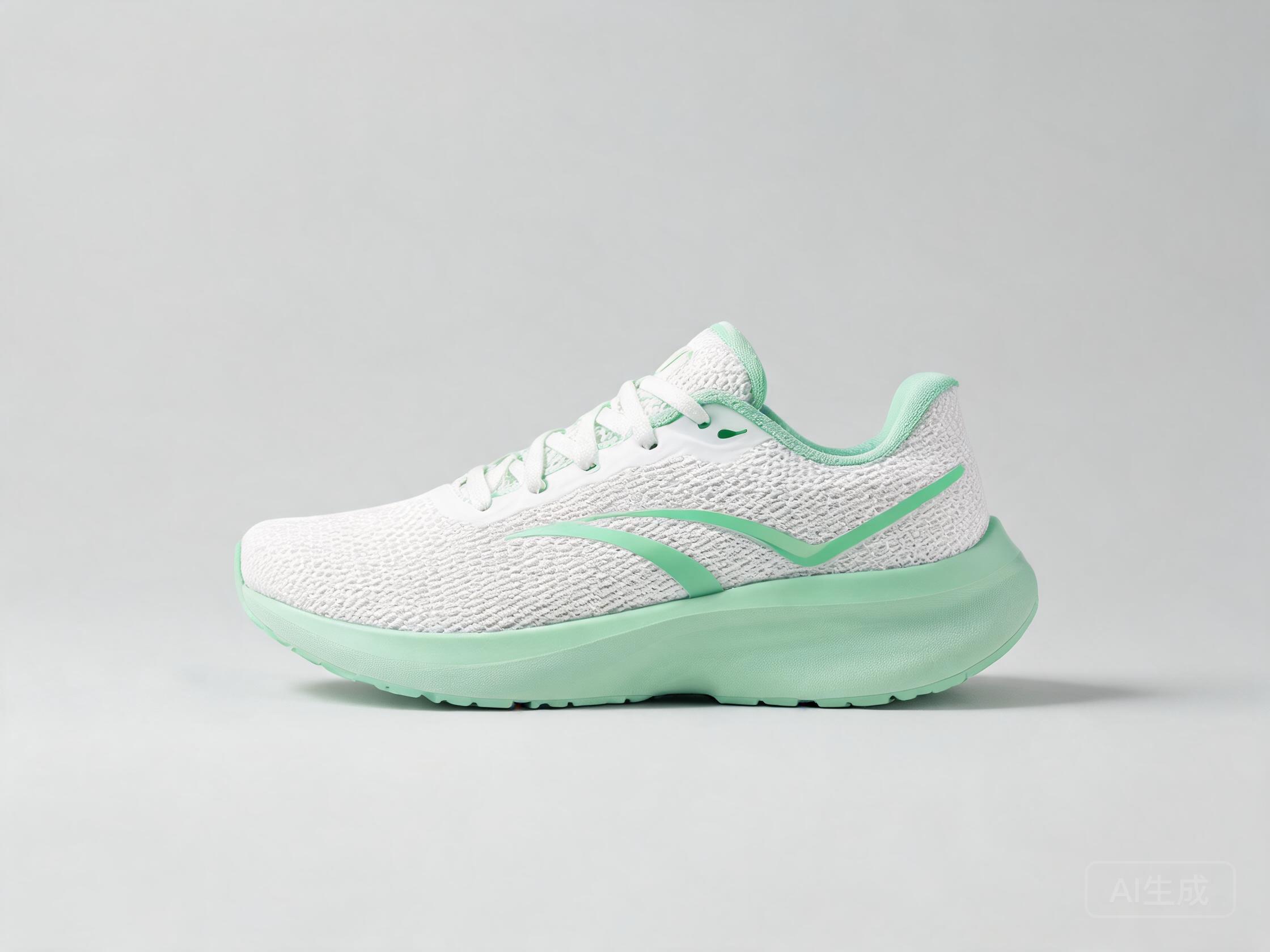
FLUX.2 Klein 9B
2 credits
Pruna P-Image
1 credits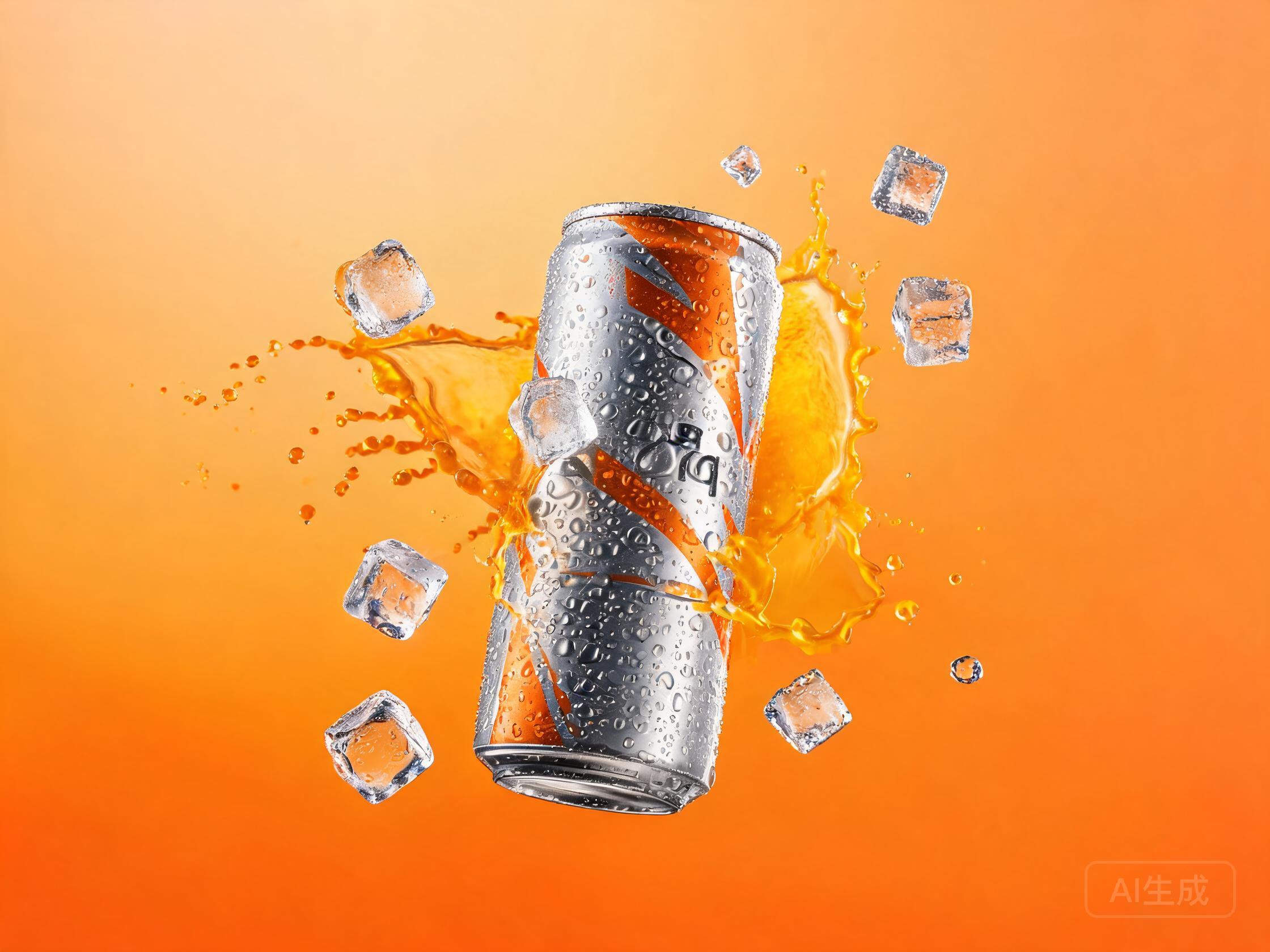
Every "unlimited AI image generator" you have tried came with a catch, because image generation runs on GPUs and GPUs cost money per image. The catches have names: the queue, the watermark, the 512px cap, the "unlimited (3 per day)". This page won't pretend otherwise. Instead, here is the deal that actually works for volume: models that cost 1 credit per image, free credits to start, and a studio that runs one prompt across several models at once — so your idea of unlimited becomes a number you control.
New accounts get free credits to start (no credit card), enough to run real generations on any model in the catalog. The rest of this page runs the actual arithmetic behind every unlimited AI image generator claim: what it costs to burn a hundred drafts hunting an idea, what it costs to finish ten hero images on a flagship, and why that split beats every "free" queue. It is all doable inside the [AI image generator](/image-generator) catalog — one balance, every model, no queue.
Published September 24, 2026 · Updated September 28, 2026
STEP 1
Draft cheap
Hunt compositions on the 1-credit models. At that price a dead end costs almost nothing, so you can afford the hundredth variant — which is usually the one that is actually right.
STEP 2
Compare in parallel
Send one prompt to several models at once. The studio runs them simultaneously and lines the results up, which is the fastest way to get four second opinions on the same idea.
STEP 3
Finish premium
When a draft earns it, re-run the winner on a flagship for the final image. Volume where volume helps, quality where it counts — that is the whole strategy in one sentence.
What an unlimited AI image generator actually costs
Search for an unlimited AI image generator and you will find the same four catches wearing different hats. The queue: your image arrives eventually, when the free tier has a spare GPU — fine for curiosity, fatal for a deadline. The watermark: as many images as you like, each stamped with a logo you cannot ship. The resolution cap: endless 512px pictures in a world that displays 4K. The daily count: a number small enough to fit in parentheses.
None of these sites are lying, exactly — they are paying the GPU bill by rationing something you cannot see in the marketing copy. An unlimited free AI image generator, in the strict sense, does not exist anywhere; the honest question is which limitation you would rather live with. Ours is printed on every row of the catalog: a visible credit price per image.
The credit math behind "unlimited free"
Here is the arithmetic that matters. Volume happens while you are hunting — compositions, style directions, dead ends — and quality happens at the finish. Price the two phases separately, and the search for an unlimited AI image generator turns into a budget line you can actually plan:
The numbers below use the catalog's cheapest tier and its most expensive flagship at standard quality; the studio always shows live per-image prices, and pricing has the current credit packs.
| Phase | Models | Images | Credits |
|---|---|---|---|
| Hunting — drafts, variants, dead ends | The 1-credit tier: FLUX.1 Schnell, P-Image | 100 | 100 |
| Finishing — the images you keep | Flagship: Nano Banana Pro at 36 credits each | 10 | 360 |
A full hunting season costs about a third of one flagship finishing pass. Cheap drafts, expensive finals — that is the entire strategy.
Four models built for volume
This is the volume squad: the engines that make the unlimited AI image generator idea affordable in practice. The two cheapest cost 1 credit an image; the other two cost barely more and buy a real step up in quality. Credits and speed are pulled live from the catalog:
Beyond single images, Seedream 5 Lite generates whole batches in one run, and the studio's multi-model comparison is its own multiplier — one prompt, several engines, several directions at once. The multi-model comparison guide breaks down when that beats plain batching.
| Model | Credits / image | Speed | Why this model here |
|---|---|---|---|
| FLUX.1 Schnell | 1 | ~2s | The volume king — fast enough that a hundred-draft session feels like browsing, ideal for composition hunts. |
| P-Image | 1 | ~2s | Auto-enhances prompts before rendering, so volume output stays decent even when you stop iterating on wording. |
| FLUX.2 Klein 9B | 2 | ~4s | A quality tier above the cheapest tier, still quick — the volume pick when drafts need to look presentable. |
| SDXL Lightning | 2 | ~3s | Dependable open-source speed for style-validation runs at near-floor prices. |
All four run on the same balance as every flagship — no separate subscription, no per-model wallet.
A volume workflow that scales
The promise of an unlimited AI image generator survives or collapses on workflow, because volume without a system just produces landfill. The workflows that scale share one shape: a fixed prompt template with a handful of variable slots. The ecommerce product photo recipe shows the pattern — lock the scene, the lighting and the camera language, then swap the product and the angle per shot. One template, a hundred images, consistent enough to fill a catalog.
Batch generation covers the cases where one template should produce many variants at once: Seedream 5 Lite turns a single prompt into a whole set in one run. And when you need directions rather than variants, the parallel comparison is the move — the same prompt on several engines returns four interpretations in the time a free queue would have delivered one image.
The last piece is bookkeeping: keep the prompt, the model and the seed of every image you keep. Volume work fails at retrieval, not generation — six weeks later, "the good one" is worthless if nobody remembers how it was made.
Three habits of high-volume image makers
Freeze the frame, move the subject. During the hunting phase, lock resolution and aspect ratio and change only the composition words. Comparing like with like is how you see which idea is actually better, rather than which image is merely bigger.
Keep a win rate in your head. After a few sessions you will notice patterns — one model wins your product shots, another your characters. That personal model intuition is worth more than any leaderboard, and it only develops if you keep comparing.
Price your queue time. If you genuinely need a thousand images a day, credit packs still cost less than the hours lost waiting in free queues. Check pricing and run the same arithmetic we did above — it usually is not close.
Free to start, then pay per image
UnitPic is credit-based: you top up a balance and each image deducts from it — from 1 credit on the fastest models to 36 on the flagship.
The free starter balance is 10 credits — no card required — and signing up takes about 30 seconds with email or Google. At the volume tier that is a real session: ten drafts on a 1-credit model, or a couple of comparisons across pricier engines. It is enough to test the workflow on this page, not just to peek at it.
After that, one balance covers all 29 models — the cheap drafts and the flagship finals — which is what makes an unlimited AI image generator honest: the limit is visible, priced, and yours to move. The studio shows the exact total before every run; nothing auto-recharges, and no subscription kicks in.
Frequently asked questions
Is there an unlimited AI image generator that's actually free?
Strictly speaking, no — an unlimited free AI image generator would mean free GPUs, and nobody has those. Every such offer pays its compute bill by rationing something the marketing copy doesn't mention: a queue, a watermark, a resolution cap or a daily count. What works instead: a catalog where the cheapest models cost 1 credit an image, so volume costs a little instead of being rationed.
How many images can I generate per day?
There is no hard daily cap — how much you can generate depends on your credit balance. An unlimited AI image generator, done honestly, is exactly this: no daily ceiling, a visible price per image. A day of drafting on the cheap tier adds up to far more images than a day of flagship runs; the number is yours to set, not ours.
What's the cheapest model for volume?
FLUX.1 Schnell and P-Image, at 1 credit per image each — the floor of the catalog. P-Image also auto-enhances prompts, which quietly saves iterations, and FLUX.1 Schnell is about as fast as generation gets. The table above has both.
Do free credits apply to all models?
Yes — the free starter balance spends on anything in the catalog, flagships included. You can put it toward a single premium image or a whole drafting session on the cheap tier; there is no separate "free models only" list.
What happens when credits run out?
Nothing automatic — no card is charged and no subscription starts. Generation simply pauses until you top up with a credit pack from pricing, and your history and saved prompts stay exactly where they were.
Generate at volume — from 1 credit
One prompt, every model, pick the winner. Free credits to start.
Open the studioRelated: AI image generator hub