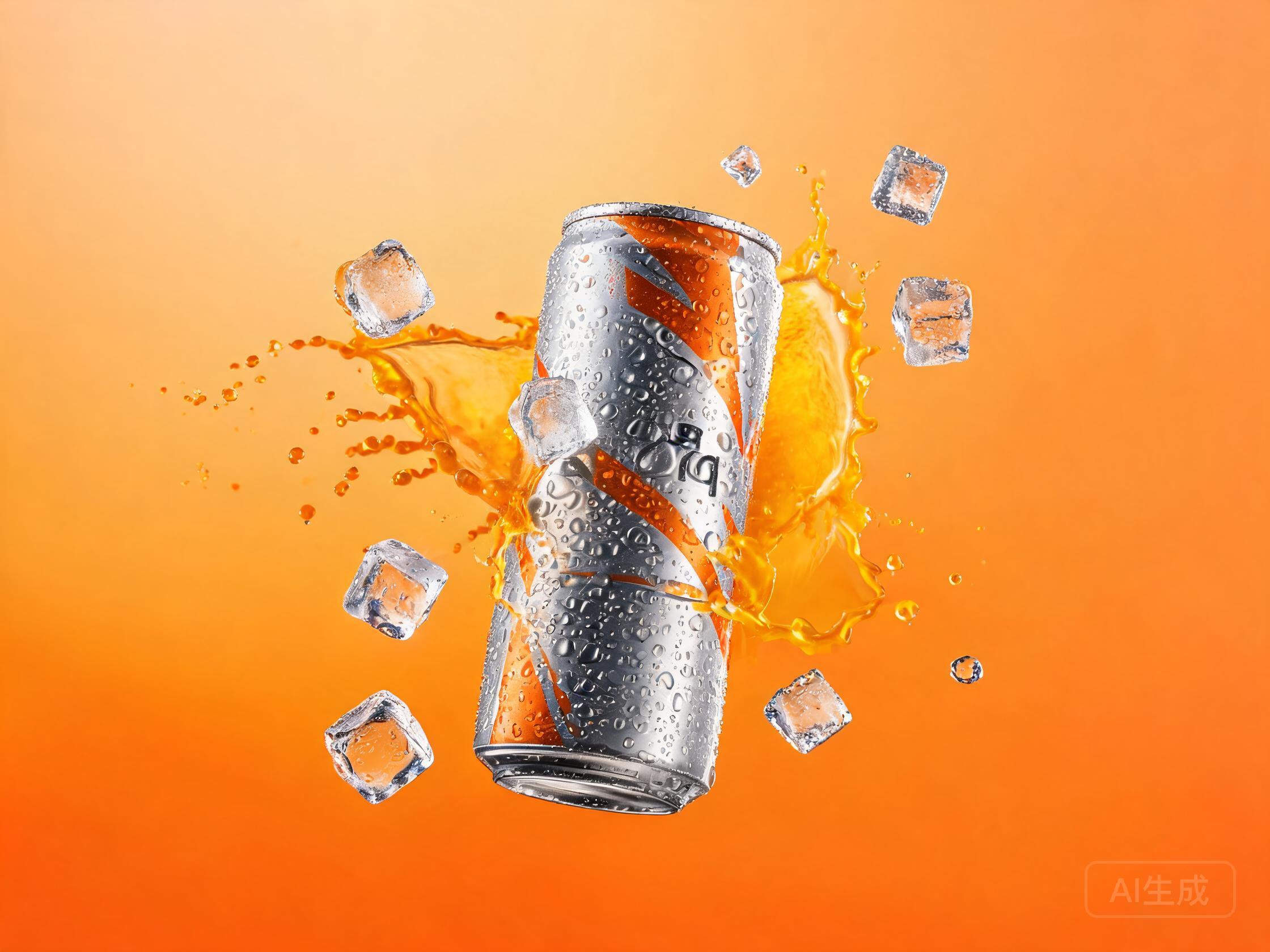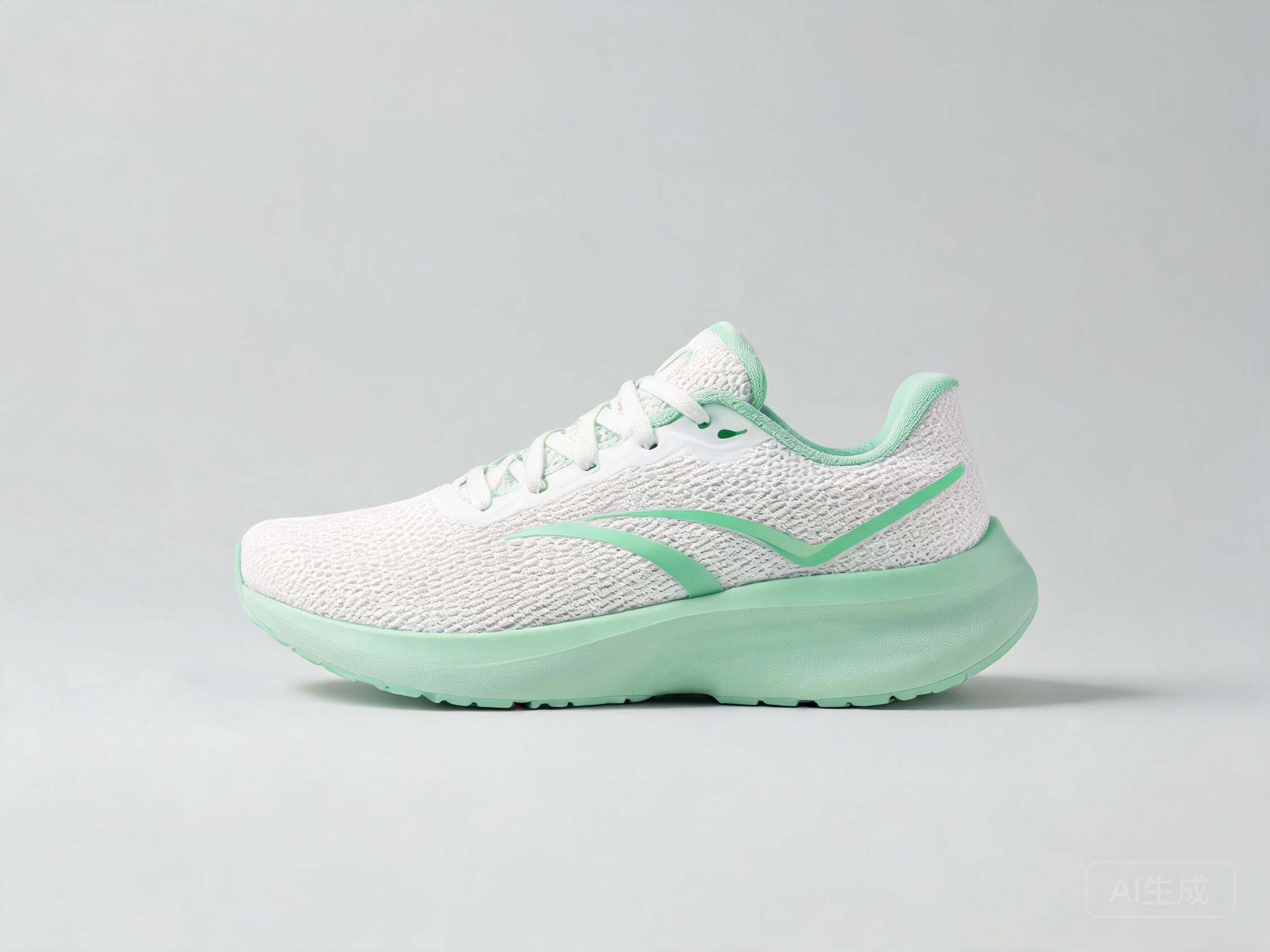
Recipe Details
- Prompt
A stunning {{product_type}} photo of {{product_name}}, {{lighting}} lighting, {{background}} background, professional commercial photography, 8k, high detail- Model
- FLUX.1 Schnell · FLUX.2 Klein 4B · Stable Diffusion XL Base 1.0 · Lucid Origin · FLUX.2 Dev
- Aspect Ratio
- 1:1
- Resolution
- 1024 × 1024
- Reference Images
- Not used
- Settings
- Default
A ecommerce workflow in three moves: fill the template, run it across the model line-up, and keep the render that fits. The comparison step is the point — ecommerce output that looks good in isolation often falls apart against a brief, and side-by-side generation exposes that before you ship.
By the UnitPic editorial team
Prompt Template
A stunning {{product_type}} photo of {{product_name}}, {{lighting}} lighting, {{background}} background, professional commercial photography, 8k, high detailReplaceable Variables
{{product_type}}{{product_name}}{{lighting}}{{background}}{{product_type}}— the kind of product — "sneaker", "skincare bottle" or "mechanical watch".{{product_name}}— the product's actual name or model line, e.g. "Aero Runner 2".{{lighting}}— the light setup — "soft studio", "golden hour" or "dramatic side light".{{background}}— the backdrop — "pure white", "marble" or "warm concrete".
Model Combination
This recipe runs the prompt through FLUX.1 Schnell by Black Forest Labs (1 credits, ~2s per image), FLUX.2 Klein 4B by Black Forest Labs (2 credits, ~3s per image), Stable Diffusion XL Base 1.0 by Stability AI (2 credits, ~8s per image), Lucid Origin by Leonardo (6 credits, ~8s per image) and FLUX.2 Dev by Black Forest Labs (2 credits, ~15s per image). Every model renders the same brief simultaneously, so the differences you see come from the engines, not from re-rolling a single generator. A full pass on all 5 models costs 13 credits total — the cheapest way to see the whole spread before committing to a favorite.
How to Judge the Results
Before picking a winner from the Ecommerce Product Photo Generator comparison, run each candidate through this four-point checklist.
Texture at 100%
Zoom in on the material — knitwear should show fiber, metal should show brushing. The ecommerce product photo generator that renders true texture is the one buyers zoom in on without noticing.
Shadow contact
The product must sit ON the surface, not hover a pixel above it. Floating shadows are the tell that gives away a generated product photo.
Background purity
A requested white background should stay genuinely white edge to edge — grey vignettes and tinted corners mean extra retouching later.
Brand accuracy
Expect the {{product_name}} to be approximated, not typeset. Plan to overlay the real logo or label artwork in a design tool.
How to Run the Ecommerce Product Photo Generator Recipe
- 1Replace each {{variable}} in the template (begin with product_type) until the prompt reads like a normal sentence, then drop it into Studio.
- 2Pick the models you want to compare. This recipe pre-selects FLUX.1 Schnell, FLUX.2 Klein 4B, Stable Diffusion XL Base 1.0, Lucid Origin, FLUX.2 Dev, but you can add or remove models freely.
- 3Fire one generation and evaluate the whole grid; keep the model whose take fits your ecommerce project and iterate from there.
Recipe FAQ
How much does the Ecommerce Product Photo Generator recipe cost per run?
The recipe itself is free — you only pay for generations. One pass through all 5 models is 13 credits; the 10 free starter credits cover most of one run.
Can I use this recipe with other models?
Yes. The template is just a prompt — swap out FLUX.1 Schnell, FLUX.2 Klein 4B, Stable Diffusion XL Base 1.0, Lucid Origin, FLUX.2 Dev for any model in the catalog, from the cheapest 1-credit options to flagship models, and the comparison still works the same way.
Do I need to keep the template variables to get good results?
You can rewrite the prompt freely, but the placeholders mark the spots where specificity pays off — product_type above all. Fill them with vivid, concrete values and the models have something to work with.