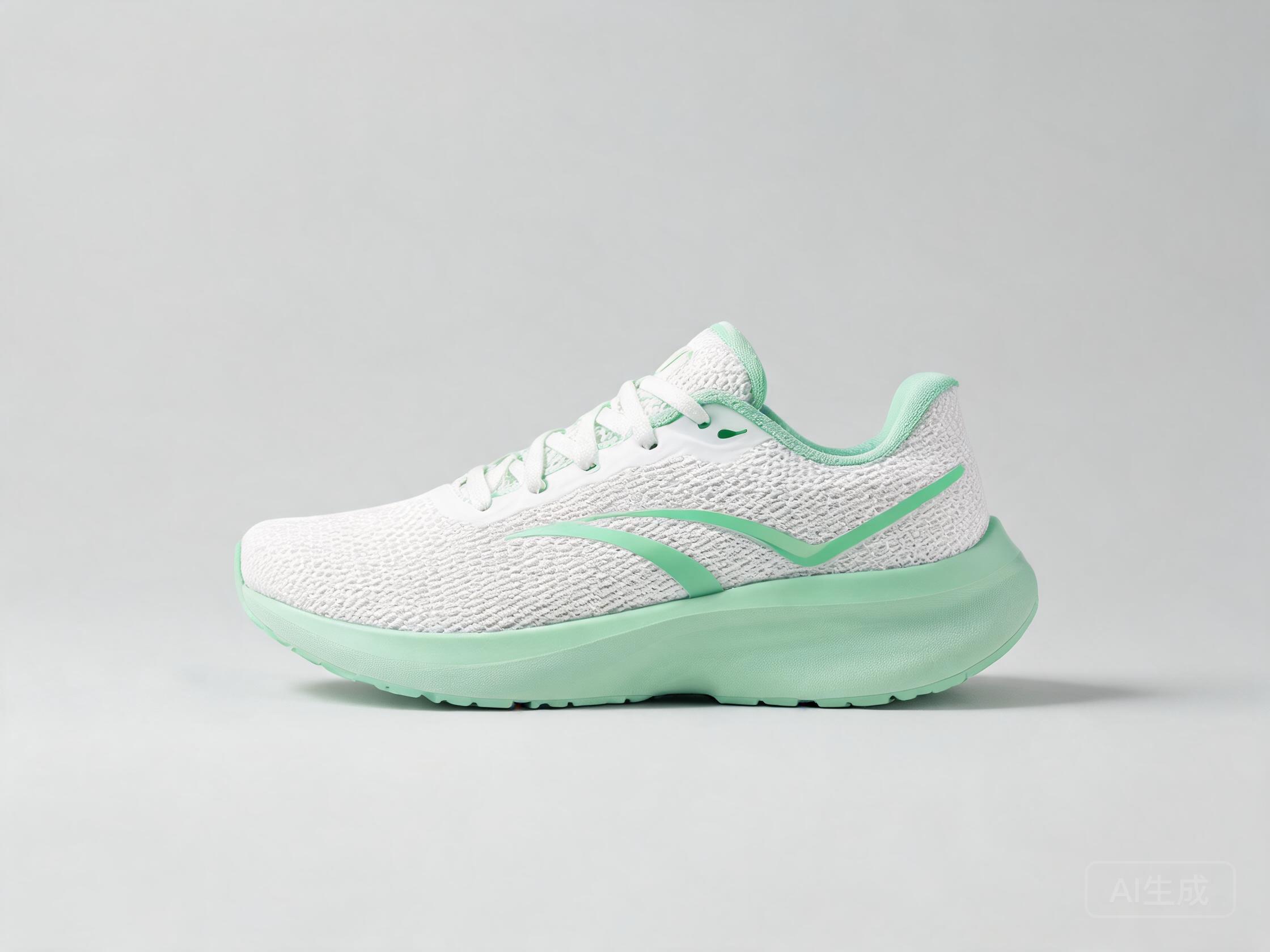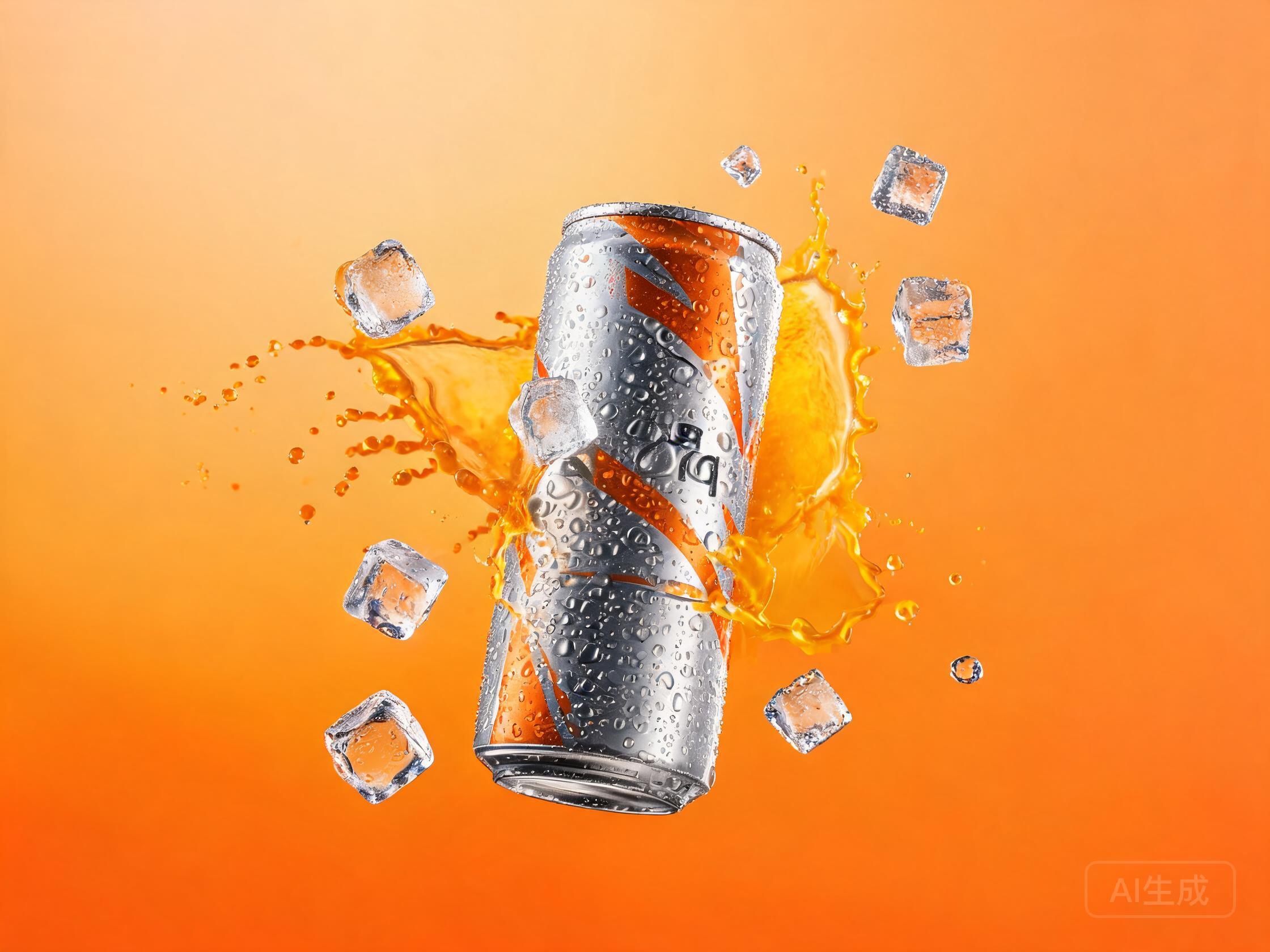
Recipe Details
- Prompt
Professional advertisement for {{product}}, {{style}} style, with {{cta_text}}- Model
- FLUX.2 Klein 4B · FLUX.2 Dev
- Aspect Ratio
- 1:1
- Resolution
- 1024 × 1024
- Reference Images
- Not used
- Settings
- Default
This advertising recipe exists because advertising work rewards comparison: the same brief, read by several AI image models, produces genuinely different takes on lighting, composition and detail. Instead of betting advertising deliverables on a single model, run the prompt once here and judge the whole spread side by side.
By the UnitPic editorial team
Prompt Template
Professional advertisement for {{product}}, {{style}} style, with {{cta_text}}Replaceable Variables
{{product}}{{style}}{{cta_text}}{{product}}— what you are advertising, e.g. "a meal-kit subscription".{{style}}— the visual style — "minimal", "retro poster" or "cinematic".{{cta_text}}— the call to action — "Start free" or "Get 20% off today".
Model Combination
The comparison line-up behind this recipe: FLUX.2 Klein 4B by Black Forest Labs (2 credits, ~3s per image) and FLUX.2 Dev by Black Forest Labs (2 credits, ~15s per image). One prompt fans out to all of them at once — what varies between the results is each engine's interpretation. Budget-wise, one complete comparison round is 4 credits across the 2 models — you see every interpretation for less than most single flagship generations.
How to Judge the Results
Before picking a winner from the Ad Creative A/B comparison, run each candidate through this four-point checklist.
Thumbnail prominence
Shrink the ad creative to feed size: if the product disappears, the variant is dead no matter how good it looks full-screen.
Real variance
An honest A/B set looks meaningfully different — different angle, mood or color story. Near-duplicates waste test budget.
CTA clearance
Check each render has a clean region for {{cta_text}}; a beautiful image with nowhere to put the button is not an ad yet.
Background discipline
Detail behind the product should support it, not compete. Busy backgrounds consistently depress click-through.
How to Run the Ad Creative A/B Recipe
- 1Fill in the template variables — start with product, since it shapes everything else — and paste the finished prompt into the Studio prompt box.
- 2Choose your comparison set in Studio — the recipe suggests 2 models (FLUX.2 Klein 4B, FLUX.2 Dev), and adding one more is a single click.
- 3Generate once and read the 2 results as a set: compare composition, color and detail across models before picking a winner to refine.
Recipe FAQ
How much does the Ad Creative A/B recipe cost per run?
You pay per image, not per recipe: the models in this line-up total 4 credits for one image each. With the 10 free credits new accounts get, you can run the complete comparison for free.
Can I use this recipe with other models?
The recipe's model list (FLUX.2 Klein 4B, FLUX.2 Dev) is a starting point, not a requirement — any catalog model can run the template, so you can compare budget picks against flagships if you like.
Do I need to keep the template variables to get good results?
Treat the template as a checklist of the details that matter for this use case. The wording can change, but the specificity — especially product — is what gets you commercial-grade output.