Recipe Details
- Prompt
Create a stunning {{style}} social media cover for {{topic}}, clean layout, eye-catching colors- Model
- FLUX.1 Schnell · FLUX.2 Klein 4B · Phoenix 1.0
- Aspect Ratio
- 1:1
- Resolution
- 1024 × 1024
- Reference Images
- Not used
- Settings
- Default
A social media workflow in three moves: fill the template, run it across the model line-up, and keep the render that fits. The comparison step is the point — social media output that looks good in isolation often falls apart against a brief, and side-by-side generation exposes that before you ship.
By the UnitPic editorial team
Prompt Template
Create a stunning {{style}} social media cover for {{topic}}, clean layout, eye-catching colorsReplaceable Variables
{{style}}{{topic}}{{style}}— the visual style — "minimal", "retro poster" or "cinematic".{{topic}}— the subject of the graphic, e.g. "Q4 growth" or "remote hiring".
Model Combination
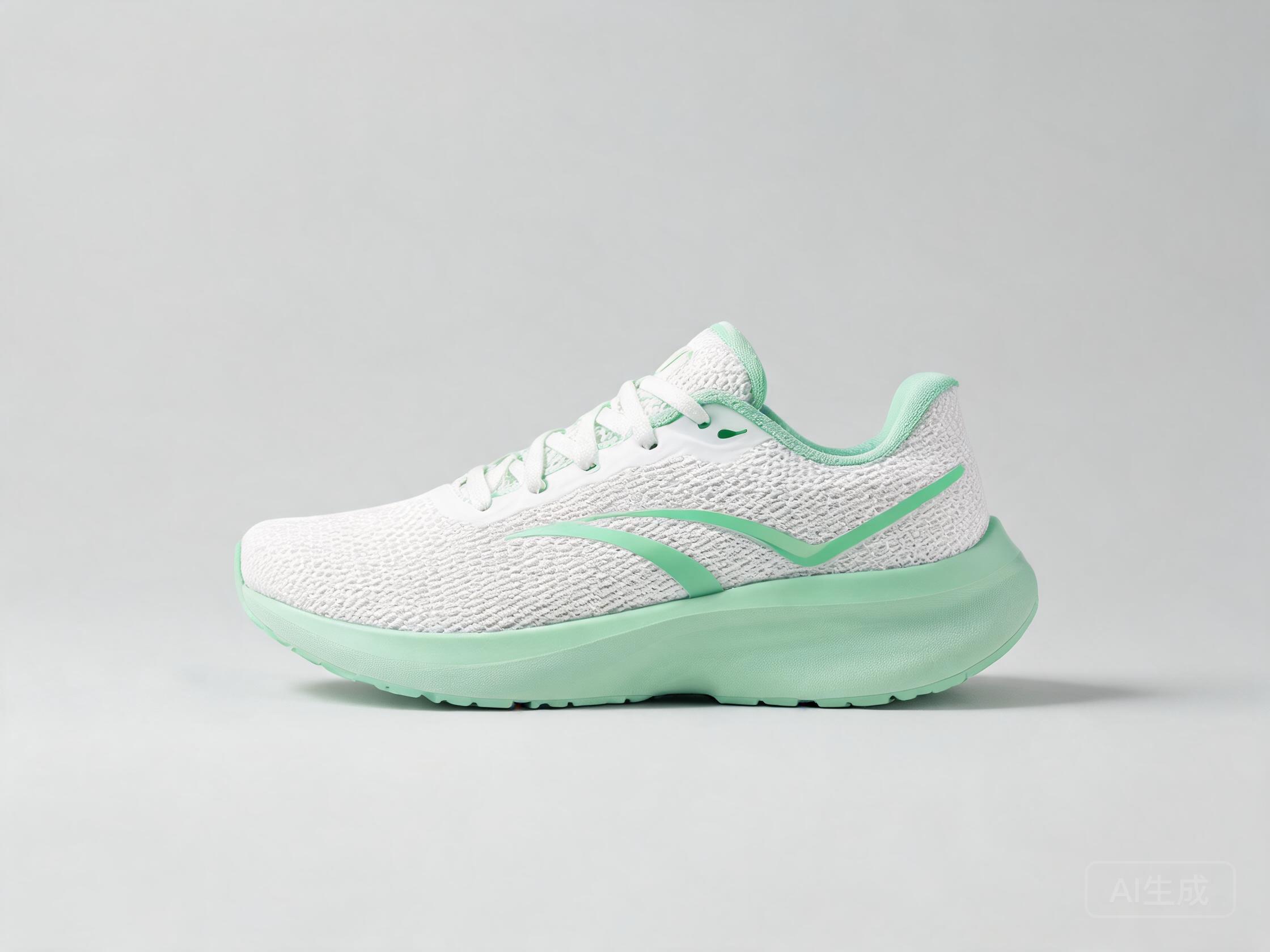
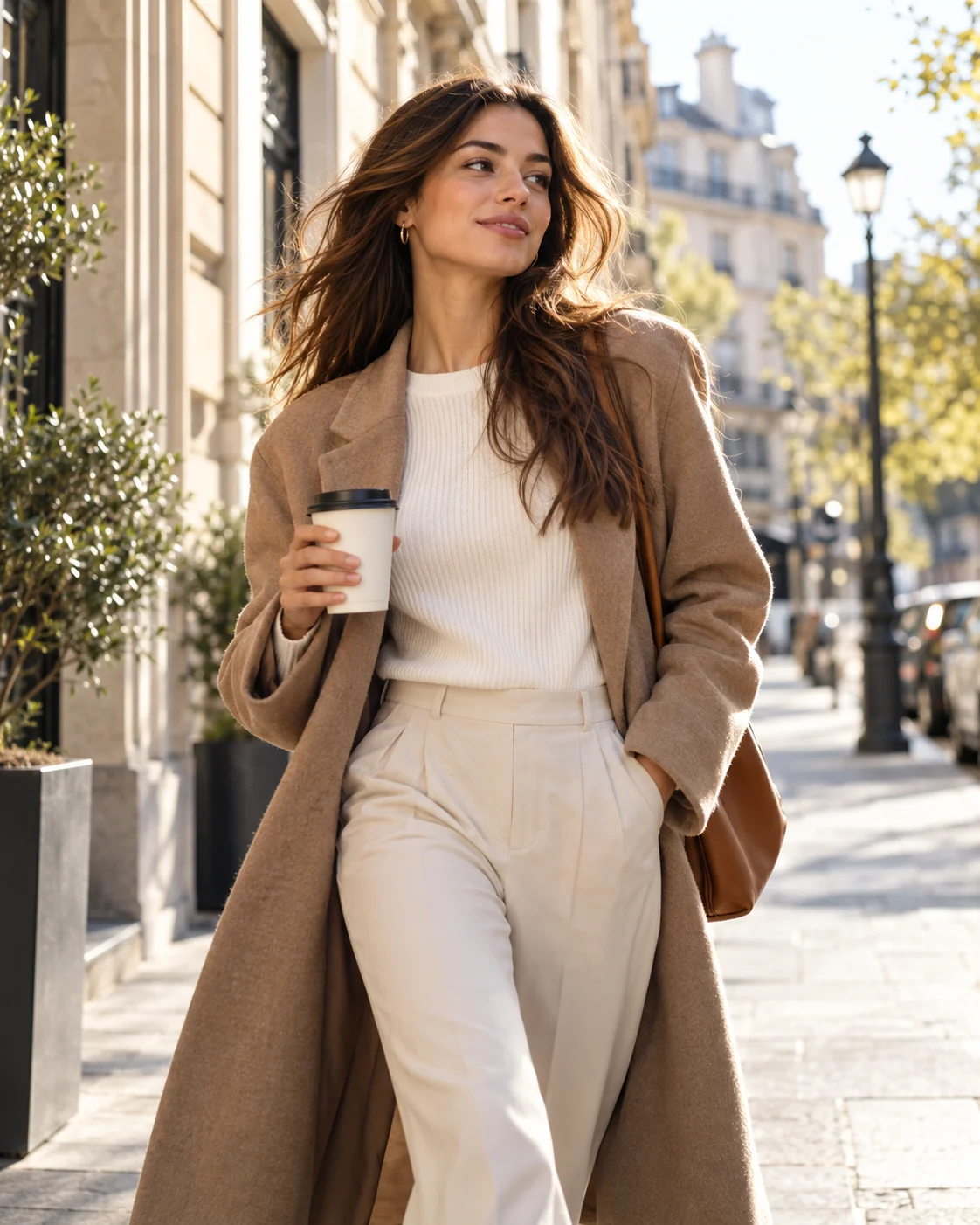
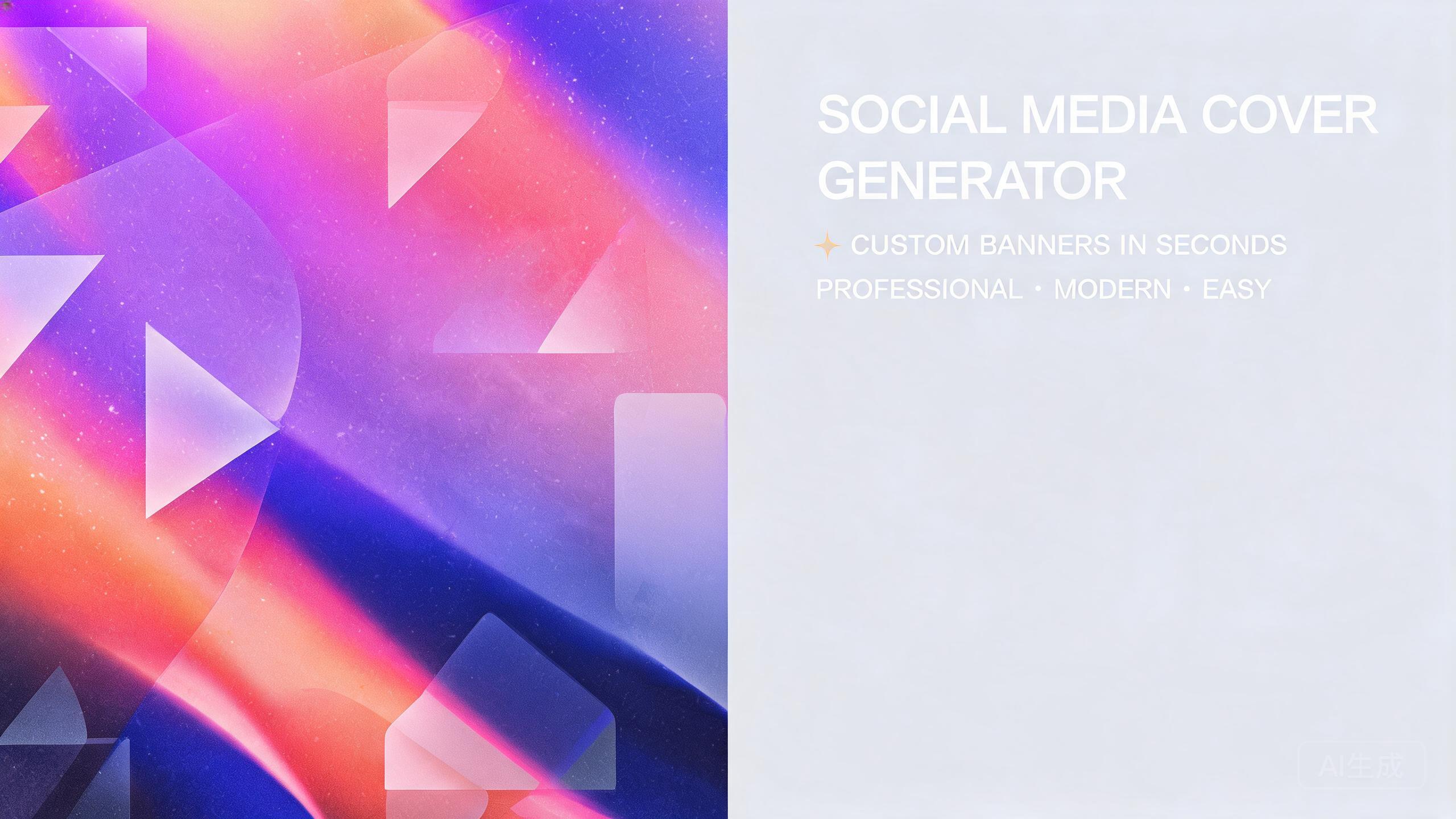
The comparison line-up behind this recipe: FLUX.1 Schnell by Black Forest Labs (1 credits, ~2s per image), FLUX.2 Klein 4B by Black Forest Labs (2 credits, ~3s per image) and Phoenix 1.0 by Leonardo (6 credits, ~10s per image). One prompt fans out to all of them at once — what varies between the results is each engine's interpretation. A full pass on all 3 models costs 9 credits total — the cheapest way to see the whole spread before committing to a favorite.
How to Judge the Results
Judge each Social Media Cover Generator result on the four points below — they separate a usable render from a pretty one in under a minute.
Edge survivability
Score each social media cover on what remains after the platform crops 15-20% off each edge — the composition that keeps its subject wins.
Color temperature
One deliberate warm or cool choice across the whole cover reads as designed; mixed temperature reads as an accident.
Focal strength
A cover needs a single carrying element. If you cannot name the subject in one word, the layout is doing too much.
Overlay room
Leave a naturally quiet zone where your handle or tagline will sit — the model cannot know where your text goes unless the composition allows it.
How to Run the Social Media Cover Generator Recipe
- 1Fill the placeholders with your own details, style first, so the prompt describes your actual subject rather than a generic one.
- 2Select the recipe's models in the Studio model picker — the default line-up is FLUX.1 Schnell, FLUX.2 Klein 4B, Phoenix 1.0 — or swap any of them for a different model if you want a wider spread.
- 3Fire one generation and evaluate the whole grid; keep the model whose take fits your social media project and iterate from there.
Recipe FAQ
How much does the Social Media Cover Generator recipe cost per run?
You pay per image, not per recipe: the models in this line-up total 9 credits for one image each. With the 10 free credits new accounts get, you can run the complete comparison for free.
Can I use this recipe with other models?
Yes. The template is just a prompt — swap out FLUX.1 Schnell, FLUX.2 Klein 4B, Phoenix 1.0 for any model in the catalog, from the cheapest 1-credit options to flagship models, and the comparison still works the same way.
Do I need to keep the template variables to get good results?
The variables exist to force you to be specific — vague prompts are the number one cause of generic output. style especially shapes the whole result, so keep the structure and be as concrete as you can with each value.