AI Image Generator
Turn a prompt into images from the models you choose. Compare the results and keep the direction that fits your idea.
Sign in to generate images or upload reference images. Check estimated credits before each run.
CREATE & COMPARE
Generate Your Images
Describe your idea, choose models, and review the available outputs side by side.
Preview
Your image will appear here once you generate it
1 models · ~9 credits
Start from an AI Image Recipe
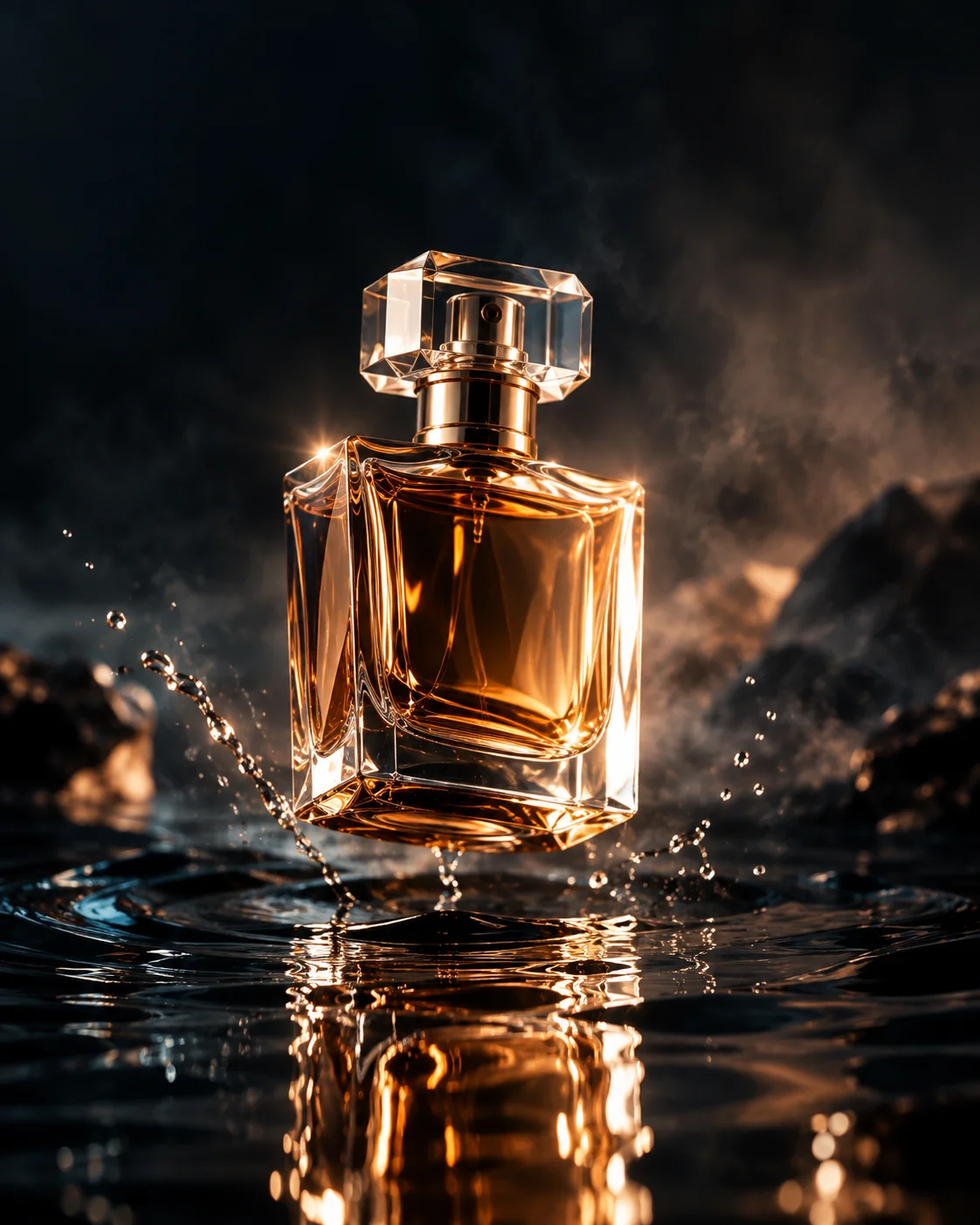
Luxury Perfume Product Photo
Inspect the published prompt, model choices, and available results. Adapt the recipe before generating your own version.
View recipe →Generate and Compare in One Studio
Write one prompt, select your models, and compare their outputs side by side. Check the image against your idea before downloading or saving a recipe.
Choose Settings That Fit the Model
Set an output ratio and use available advanced options. Seed, quality, batch size, and reference images depend on the models you select.
Keep a Creative Starting Point
Recipes help you reuse a creative starting point. Generated images can vary between runs. Reference images and advanced settings are not all retained in saved recipes today.
How to Use This Workflow
- 1
Write a Prompt
Describe the subject, setting, and style. Start from a recipe if you prefer.
- 2
Choose Models and Check Credits
Select your models and available settings. Sign in and review the estimate before generating.
- 3
Review the Results
Compare available outputs, download a result, or save a recipe to return to later.
Questions Before You Start
Can I Use a Recipe?
Yes. Open a recipe and use its prompt, models, and size as a starting point. You can change them before generating.
Can I Edit an Image Here?
Select a model that supports reference images, then upload an image and describe the change. Reference uploads require sign-in.
What Does Generation Cost?
Credits depend on the selected models and options. The studio shows an estimate before each run.
Choose a Creative Workflow
Create Images for a Transparent-Background Workflow
Generate a subject on a clean background, inspect its edges, then use a separate background-removal step to create transparency.
Open workflow →Online AI Image Generator
Use your browser to write a prompt, choose models, and review generated images. Sign in and check credits before each run.
Open workflow →Realistic AI Image Generator
Describe the subject, lighting, and composition of a photographic image, then compare outputs against your brief.
Open workflow →Anime Image Generator
Describe the anime look, character, and scene you want. Compare suitable models and choose the result that fits your direction.
Open workflow →Cartoon Image Generator
Create a cartoon character, mascot, or illustration from a prompt. Compare available outputs for shape, expression, and style.
Open workflow →3D-Style AI Image Generator
Generate a 2D image with a 3D-rendered look. Describe the materials, light, and viewpoint, then compare the results.
Open workflow →Plan Your AI Image Generation Budget
Explore lower-credit models and plan how many variations fit your balance. UnitPic generation is credit-based, not an unlimited free service.
Open workflow →Write and Check Creative Image Prompts
Start with a prompt structure, make the details specific, and use the evaluator for feedback before testing the prompt in an image model.
Open workflow →